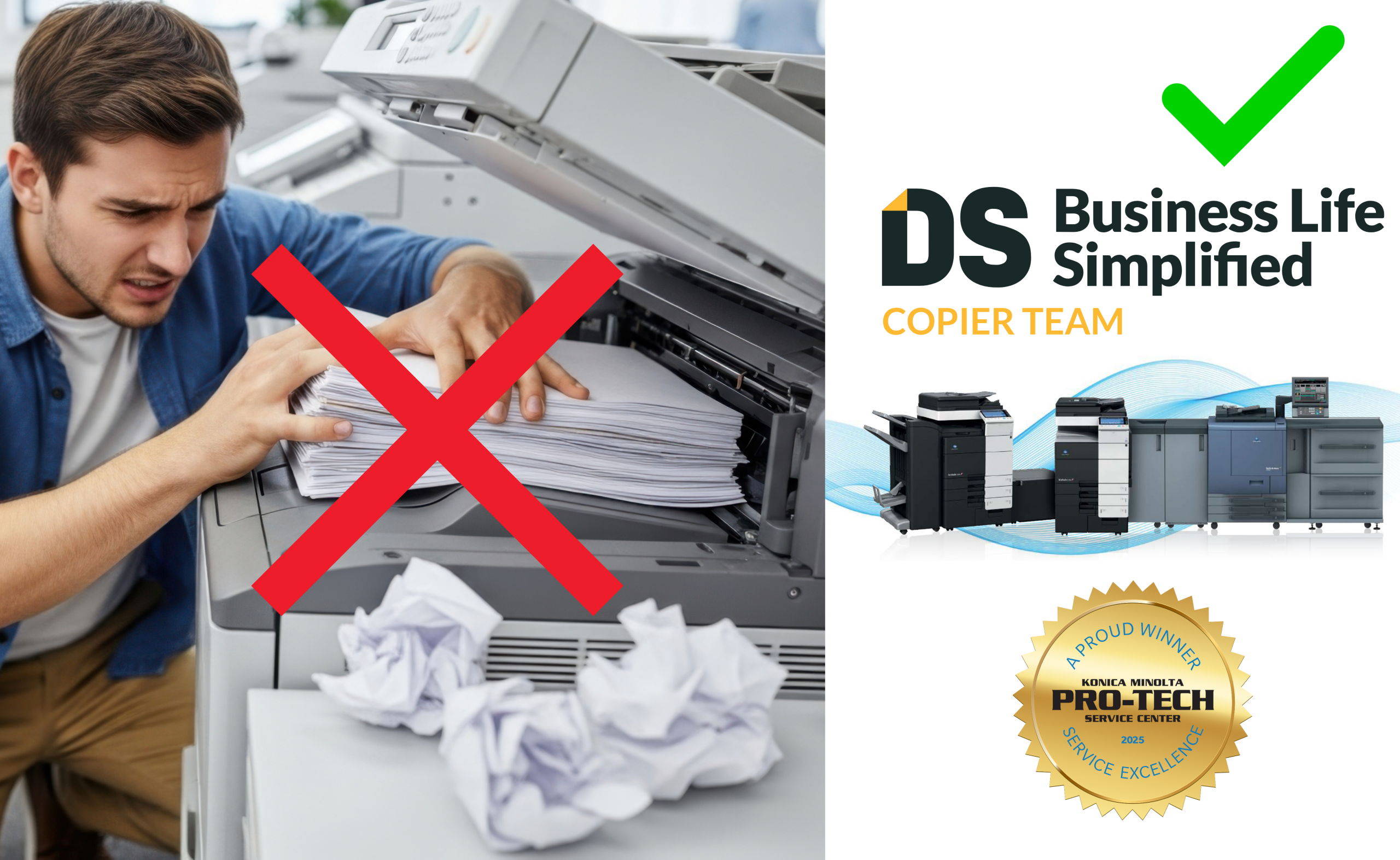
Few things disrupt an office faster than a printer that is not working. Whether it is a stalled print job, streaked output, constant error messages, or a machine that simply refuses to respond, printer downtime creates more than a technical problem. It frustrates employees, slows productivity, and pulls staff away from their actual jobs to troubleshoot equipment they were never trained to fix.
For many offices, printer downtime has become an accepted nuisance rather than a solvable issue. In reality, most printer problems are predictable, preventable, and manageable with the right strategy. This article explains why printer downtime happens, how it affects employee morale and efficiency, and what offices can do to reduce interruptions and frustration long term.
Why Printer Downtime Is Such a Big Problem in Offices
Printers and multifunction devices are shared resources. When they fail, the impact is multiplied across departments and teams. One stalled device can delay invoices, patient records, contracts, onboarding paperwork, and critical internal documents.
Beyond lost time, printer downtime creates mental friction. Employees may waste minutes or even hours reprinting documents, walking between devices, or waiting for help. Over time, these disruptions erode productivity and contribute to unnecessary workplace stress.
Common Causes of Printer Downtime
Lack of Preventive Maintenance
Office printers are mechanical devices with moving parts, consumables, and internal sensors. Without regular maintenance, components wear down, dust and toner accumulate, and performance degrades.
Outdated or Incompatible Drivers
Printer drivers and firmware must remain compatible with operating systems, network updates, and security patches. When updates are ignored, printers may go offline, reject jobs, or generate confusing error messages.
Overworked or Under-Sized Devices
A printer designed for light use will struggle in a high-volume environment. When devices are pushed beyond their recommended monthly duty cycle, wear and tear accelerates.
Supply Issues and Human Error
Empty toner cartridges, low-quality supplies, and incorrect paper loading are among the most common causes of downtime.
Network and Connectivity Problems
Modern office printers rely heavily on network connectivity. IP address conflicts, outdated network settings, or Wi-Fi instability can cause printers to appear offline even when they are physically functional.
How to Reduce Printer Downtime in Your Office
Implement Preventive Maintenance
Regular cleaning, inspections, and part replacements dramatically reduce unexpected failures.
Use the Right Device for the Right Volume
Printers should be selected based on actual usage, not just upfront cost.
Centralize Supplies and Monitoring
Running out of toner or paper should never stop productivity. Centralized supply management ensures consumables are replenished before they run out.
Keep Software and Firmware Updated
Regular driver and firmware updates maintain compatibility with operating systems and network security requirements.
Provide Clear User Guidelines
Simple training on proper paper loading, jam clearing, and basic troubleshooting can significantly reduce user-caused downtime.
The Role of Managed Print Services
Managed Print Services take a proactive approach to printer management by monitoring devices, performing maintenance, managing supplies, and handling repairs.
At Document Solutions, we help offices reduce printer downtime by designing reliable print environments tailored to each organization’s needs.
Frequently Asked Questions
How often should office printers be serviced?
Service frequency depends on usage, but high-volume office printers typically benefit from scheduled preventive maintenance.
Are frequent paper jams a sign of a bad printer?
Not always. Persistent jams usually indicate maintenance or capacity issues.
Does managed print services replace in-house IT?
No. Managed print services complement IT by handling printer-specific issues.
Can printer downtime affect data security?
Yes. Printer failures can lead to unsecured workarounds and document exposure.
Need Help?
If printer downtime is frustrating your employees and disrupting productivity, it may be time for a smarter approach. Document Solutions helps businesses reduce printer issues, improve reliability, and simplify print management.
📞 Call us at (888) 880-3377, or contact Document Solutions online today!