Printing is essential for many organizations, and today’s workplaces have more opportunities than ever to make printing efficient, secure, and easy to manage. Modern print environments are designed to support daily workflows while giving leadership clarity and control. When optimized, printing reduces waste, supports hybrid teams, and works seamlessly in the background.
At Document Solutions, we help businesses build print environments that feel simple on the surface while running smart behind the scenes. If your print setup has evolved over time with different devices and workflows, this guide highlights what an optimized environment looks like today and how organizations move in that direction with confidence.
Why print optimization creates day-to-day wins
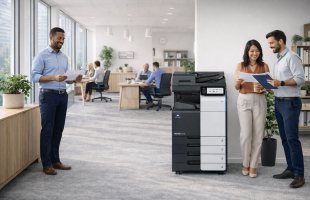
Optimizing print is less about fixing problems and more about unlocking consistency. When devices, policies, and workflows align, employees move through their day with fewer interruptions. Printing becomes predictable, reliable, and easy to access, regardless of department or location.
IT teams benefit from a more standardized environment. Support requests become easier to manage, updates are simpler to deploy, and troubleshooting takes less time. Leadership also gains insight into print usage patterns, allowing for better planning and budgeting over time.
A well-designed print environment supports growth, adapts easily to change, and keeps teams productive without adding complexity or friction.
The goal: make printing feel effortless while staying controlled
This includes having printing that is:
- Consistent across departments and locations
- Secure by default, not secured as an afterthought
- Easy for end users, even in busy offices
- Trackable, so you can make informed decisions
- Scalable, so changes do not become projects
When printing feels intuitive and predictable, employees spend less time thinking about how to print and more time focused on their work. Consistency across devices and locations also improves onboarding, as new hires quickly learn how printing works without extra training.
The core building blocks of an optimized print environment include:
1) A right sized fleet that matches how your team works
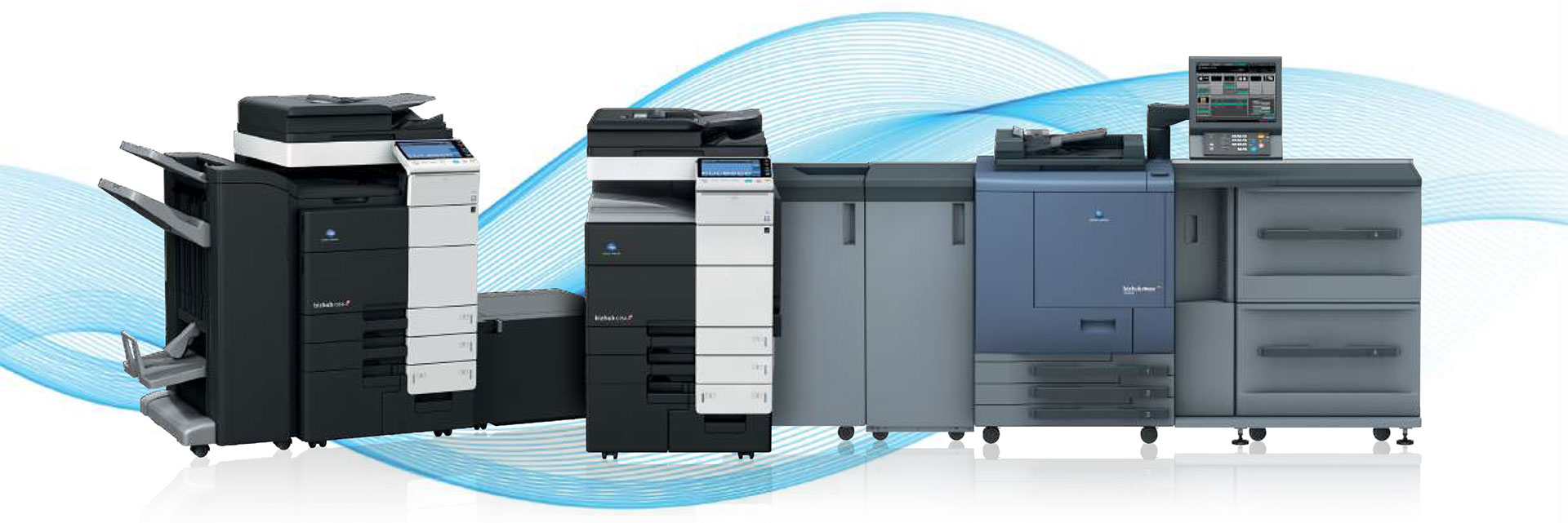
Optimization starts with using the right devices in the right places. This often means consolidating older printers into fewer, more capable multifunction systems or intentionally placing devices to support printing, scanning, and secure release.
In a modern setup, devices are selected based on:
- Volume needs (not guesses)
- Departments with higher document handling requirements
- The mix of color vs. black and white output
- Finishing needs such as stapling or folding
- Space constraints and traffic patterns
A right sized fleet improves reliability, simplifies support, and creates a consistent experience across the office. Employees know what to expect when approaching a device, and departments have access to the features they need without unnecessary complexity.
This structure also makes it easier to scale. As teams grow or workflows change, devices can be reallocated or upgraded without redesigning the entire print environment.
2) Print security built into daily behavior
Printers and multifunction devices are part of your network and play an important role in protecting sensitive information. An optimized environment assumes confidentiality always matters by utilizing:
- Secure user authentication
- Secure print release
- Role based access controls
- Strong device configuration policies
Security is most effective when it blends into everyday workflows. Instead of relying on reminders or manual steps, secure printing becomes automatic. Users authenticate once, documents are released intentionally, and access aligns with job responsibilities.
This approach supports compliance requirements while maintaining a smooth and consistent user experience.
3) Policies that reduce waste while supporting productivity
The most effective print environments balance cost awareness with usability by implementing smart defaults:
- Default duplex printing
- Black and white defaults
- Designated color access for approved roles
- Encouraging digital workflows
These policies gently guide better printing habits without slowing teams down. Employees retain flexibility when they need it, while everyday printing naturally becomes more efficient.
Over time, these small settings add up, helping organizations control costs and reduce waste while maintaining productivity.
Visibility that helps teams plan with confidence
Optimized print environments also provide visibility into how printing is used across the organization. Usage data helps identify opportunities to improve workflows, adjust device placement, and plan for future needs.
With clearer insight, leadership can take a proactive approach. Decisions are based on real data rather than assumptions, making budgeting and long-term planning more predictable.
Check out some of our Managed Print Services like PrintFleet and PaperCut!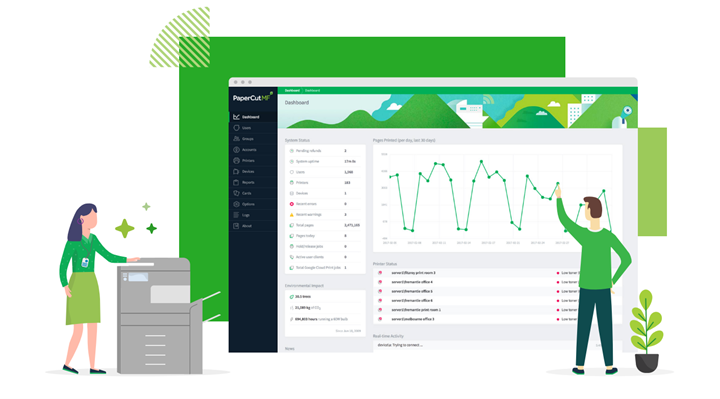
A better experience for employees
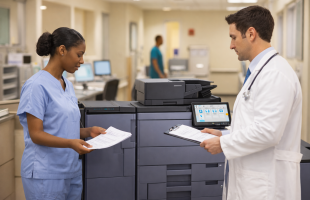
Beyond infrastructure and policies, optimization improves the employee experience. When printing works reliably and securely, it removes friction from everyday tasks.
Scanning, copying, and printing become straightforward, even for new hires or visiting staff. This consistency supports onboarding and contributes to a smoother workday overall.
FAQs: Optimized Print Environments
Can optimized printing support hybrid teams?
Yes. Modern environments support shared workflows and secure access across locations.
How does an optimized print environment support long-term planning and growth?
An optimized print environment gives leadership visibility into usage patterns, costs, and capacity, making it easier to plan ahead. Instead of reacting to print issues as they arise, organizations can align their print strategy with growth, staffing changes, and future technology decisions. This helps ensure printing scales smoothly as the business evolves.
Ready to optimize your print environment?
If your office wants smoother printing, faster scanning, and strong built-in security, Document Solutions can help you create a print environment that grows with your business and supports your team every day. Call Document Solutions at (888) 880-3377 or fill out the form below to learn how we can help you optimize your print environment with our services, printers, and copiers today!
- Categories: