Modern copiers and multifunction printers do a lot more than print. The right features can remove daily friction, speed up document workflows, and help teams stay focused on higher value work. The best part is you do not need a complicated setup to see real wins. You just need the features that match how your office actually works.
At Document Solutions, we help New Jersey organizations choose and support reliable copier and printer environments that make day to day operations smoother. If you are evaluating new devices or trying to get more out of what you already have, this guide highlights the most important productivity features to look for and how they translate into real time savings.
Learn more about our copier and printer solutions here.
1) Fast, Reliable Duplex Printing and Scanning
Double sided printing is one of the simplest ways to save time, paper, and filing effort. Duplex scanning is just as important because it eliminates manual page flipping and rescanning.
When this feature is built in and works consistently, it helps teams:
- Print double sided packets, invoices, and reports automatically
- Reduce paper usage and storage space
- Scan double sided documents in a single job without refeeding pages
What to look for:
- Automatic duplex printing as a standard capability
- Automatic document feeder that supports scanning both sides
- Clean output alignment so pages do not shift or skew
2) High-Capacity Paper Options and Flexible Trays
Nothing interrupts a workday like constant paper refills, especially in shared departments. Devices that support higher paper capacity and multiple trays keep jobs moving and reduce walk ups.
Productivity benefits include:
- Fewer interruptions for paper loading
- Ability to keep multiple paper types ready, such as letter, legal, and letterhead
- More consistent printing for multi page packets and forms
What to look for:
- Multiple paper sources, not just one main tray
- High capacity options for busy teams
- Clear tray labeling and on screen prompts to reduce user error
3) High Efficiency Scanning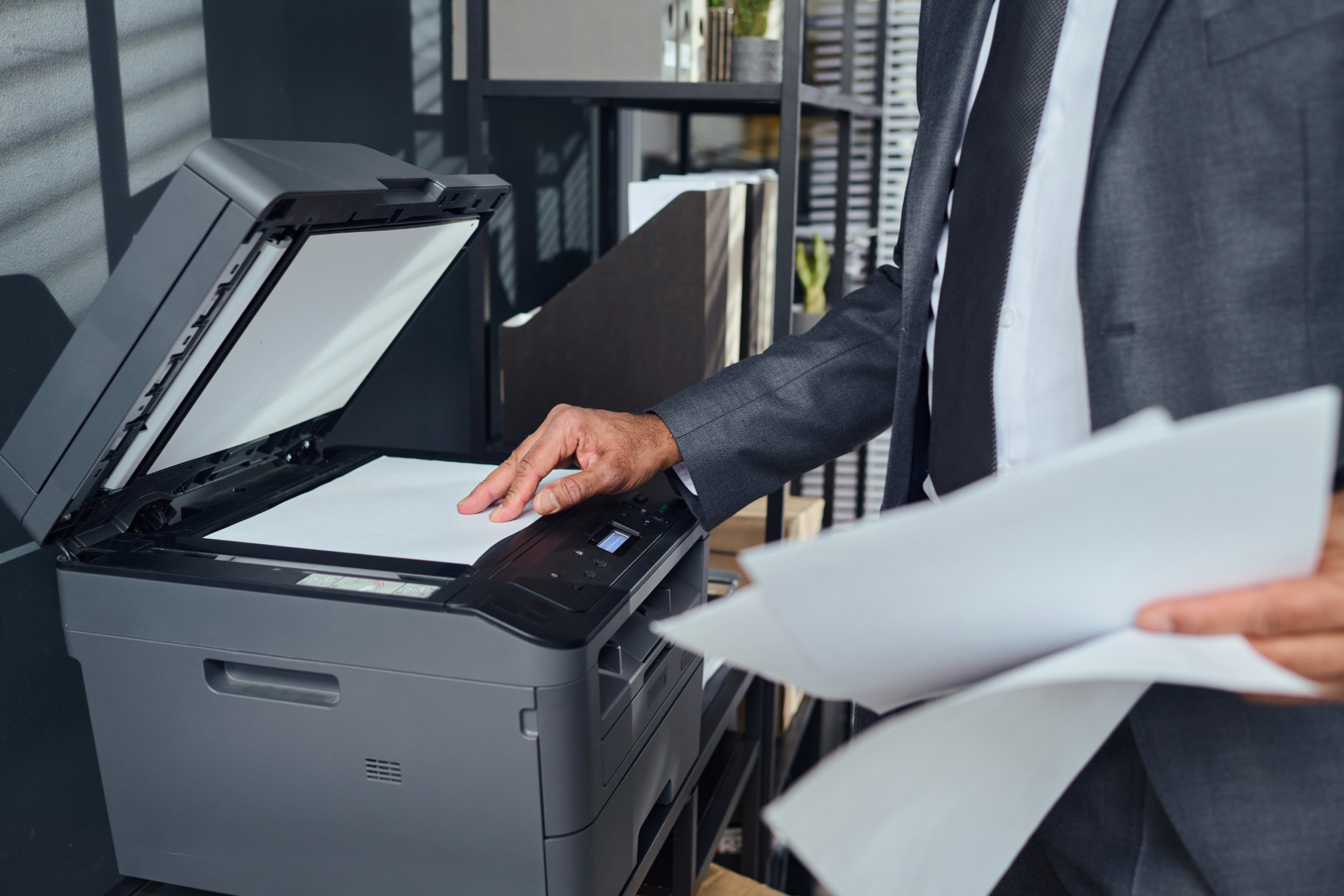
Scanning is where productivity improvements show up fast. When the device can scan quickly and handle mixed sets cleanly, you get fewer rescans, fewer jams, and better digital records.
This matters most for teams that scan:
- Patient or client packets
- HR onboarding documents
- AP invoices and purchase orders
- Forms that must be routed to specific folders or email addresses
What to look for:
- Automatic document feeder designed for higher volume
- Fast scan performance and dependable paper handling
- Simple settings for file type and destination so users do not guess every time
4) One Touch Scan Workflows to Email and Network Folders
If scanning requires too many steps, teams avoid it or they do it inconsistently. The most productive environments use one touch workflows that guide users to the correct destination every time.
Common workflow destinations include:
- Scan to email for quick sharing
- Scan to a network folder for department filing
- Scan to USB for temporary transfer when needed
What to look for:
- Address book and destination shortcuts that are easy to manage
- User friendly display with clear job confirmation
5) Mobile Printing Support for Modern Workdays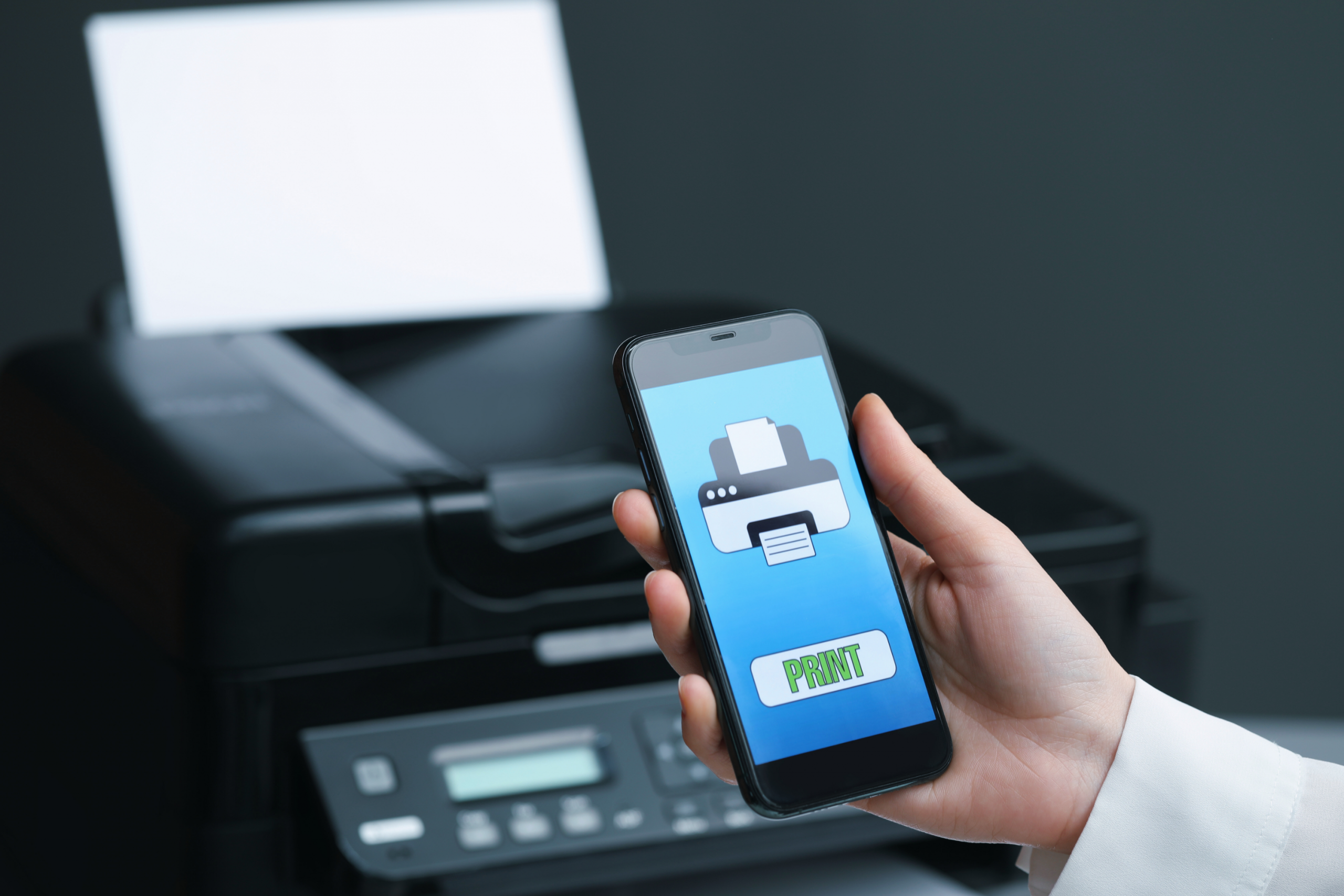
Even in offices that are primarily on site, people move. Leaders travel, staff work between locations, and teams collaborate across devices. Mobile printing makes it easier to print when and where you need to without sending files back and forth.
Productivity benefits:
- Faster turnaround for meetings and walk up print needs
- Less time emailing documents to yourself just to print
- More flexibility for visiting staff and shared spaces
What to look for:
- Support for common mobile printing standards used in business environments
- Simple secure methods for releasing mobile jobs at the device
6) Secure Print Release and User Authentication
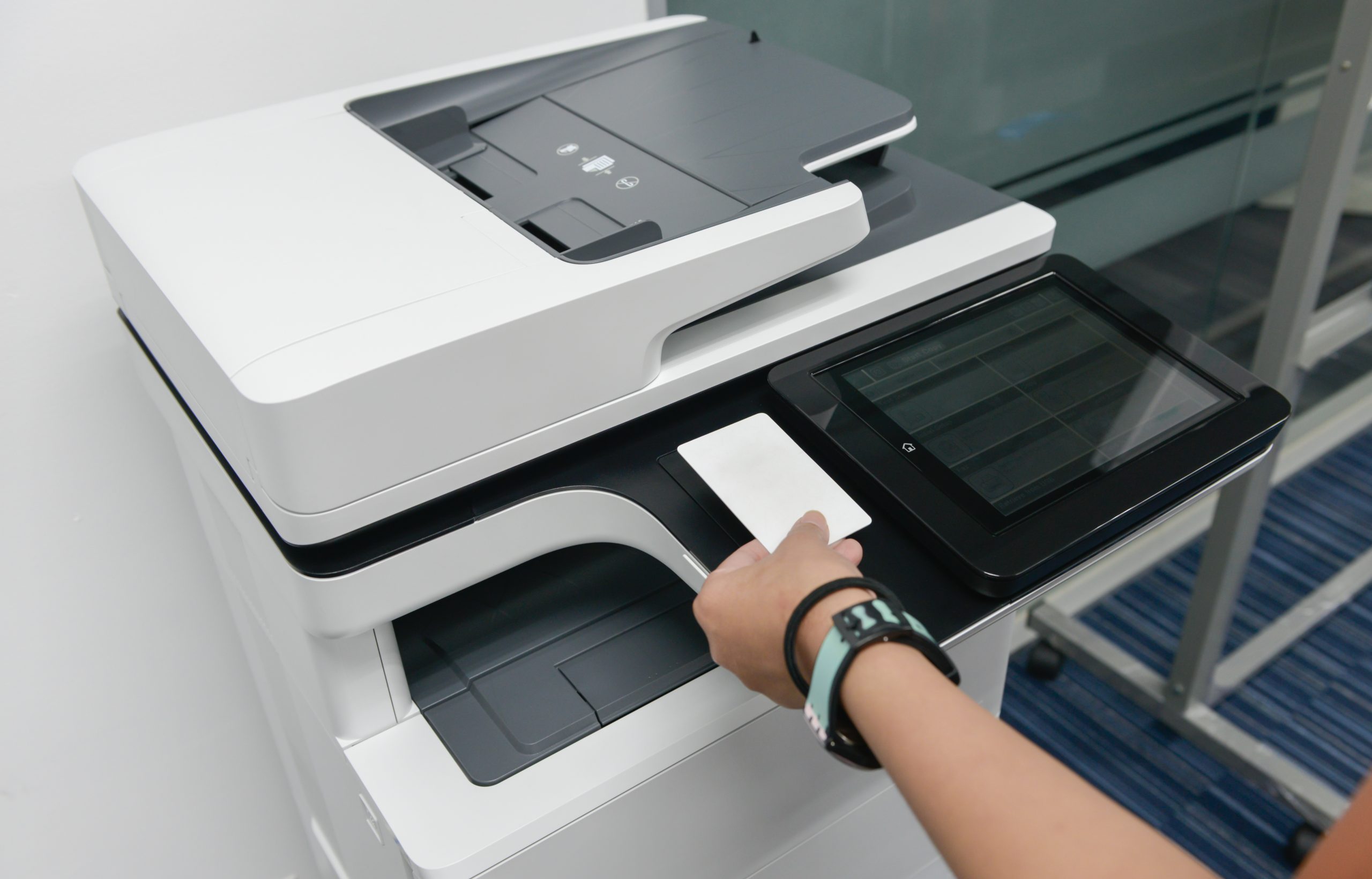
Printing should be convenient, but it should also protect sensitive information. Secure print release keeps documents from sitting unattended in output trays and reduces the risk of the wrong person grabbing a page.
This feature boosts productivity in a practical way because it:
- Prevents reprints caused by missing or misplaced documents
- Reduces confusion in busy departments
- Helps support policies for confidential records
What to look for:
- PIN based secure print or badge based authentication options
- Role based access so features can be limited where appropriate
- Clear on screen steps so users can release jobs quickly
Quick Checklist for Choosing Productivity Features
If you want a fast way to evaluate whether a device supports your goals, start here:
- Duplex printing and duplex scanning support
- High capacity paper options and multiple trays
- Efficient scanning with an automatic document feeder
- One touch scan destinations to email and network folders
- Mobile printing support for common business workflows
- Secure print release and user authentication
FAQs
How do I know which features my office actually needs?
Start with your real workflows. How often do you scan multipage documents? Do you print confidential records? Next, choose features that reduce the steps your team repeats every day. A short workflow review often reveals where the biggest time savings are hiding.
What is secure print and why does it matter?
Secure print holds a job until the user releases it at the device with a PIN or approved method. It prevents documents from sitting in the tray unattended, reduces accidental pickups, and cuts down on reprints caused by misplaced pages.
Can copier security features help with compliance requirements?
Many organizations use built in device security settings as part of a broader compliance approach. Access controls, secure print, encryption options depending on configuration, and logging capabilities can support internal policies and reduce risk when printing involves sensitive information.
Strong Next Steps with Document Solutions
If you want a copier and printer environment that helps your team move faster, Document Solutions can help you identify the printing features needed that match your workflows.
Call Document Solutions at (888) 880-3377 or fill out the form below to learn how we can help you optimize your print environment with our services, printers, and copiers today!
- Categories: