Copiers and multifunction printers play a central role in how modern offices operate. They support printing, scanning, copying, document routing, and secure access across teams. Because these devices handle so many tasks, they rely on built-in software to perform efficiently and reliably.
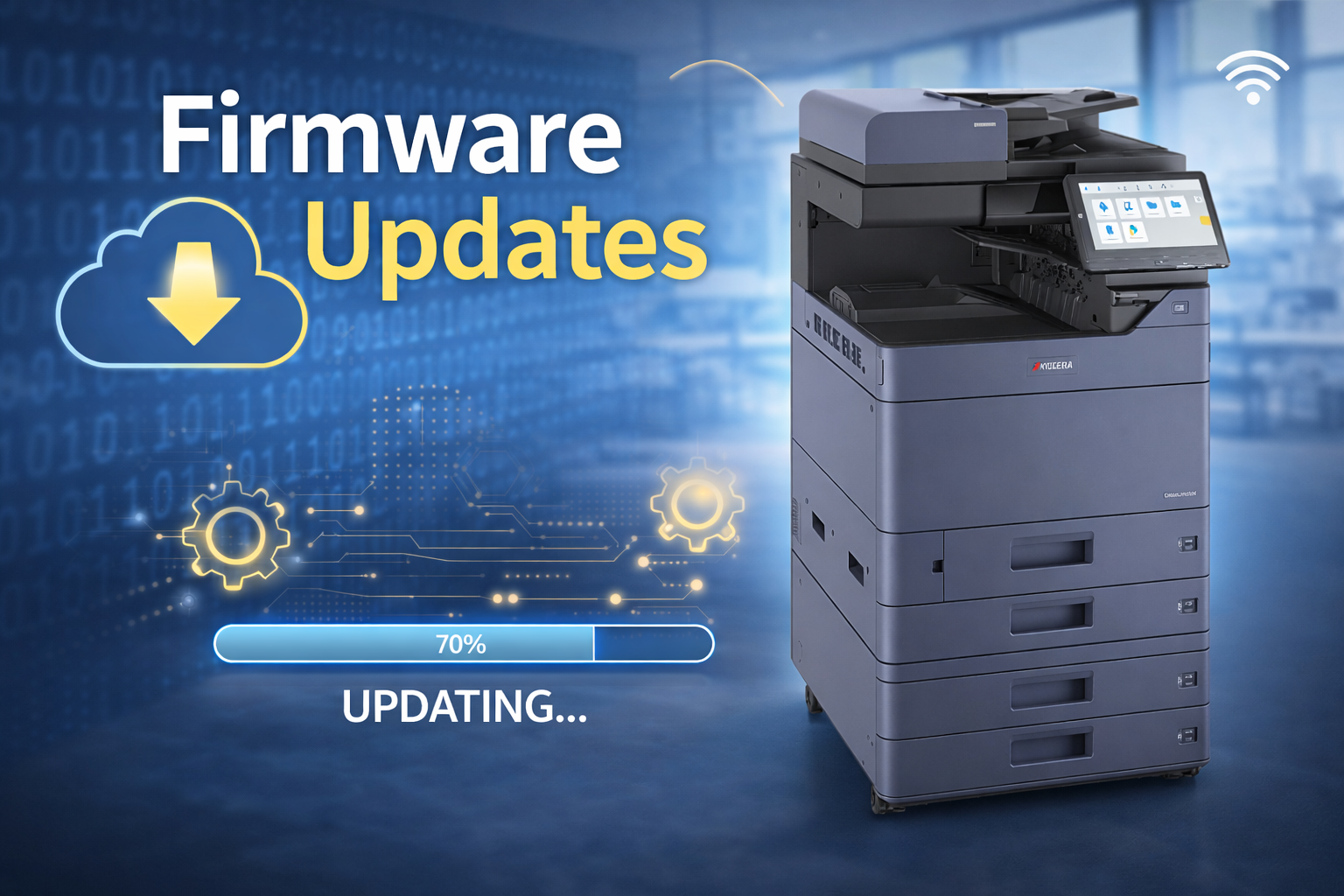
That software is known as firmware. Firmware updates are one of the simplest ways to keep copiers aligned with current technology, operating smoothly, and supporting everyday workflows without disruption. When managed thoughtfully, updates help devices continue delivering dependable performance as workplace needs evolve.
At Document Solutions, we help organizations maintain copier and printer environments that are easy to use, secure, and built for long-term success. If you are reviewing your print infrastructure or planning future improvements, learn more here.
What Is Copier Firmware
Firmware is the operating software installed directly on the copier. It controls how the device functions at a system level and supports everything users interact with daily.
Firmware manages:
- Print job processing and output handling
- Scanning workflows and destination options
- User authentication and access settings
- Network communication and connectivity
- System stability, performance tuning, and error handling
- Built-in security controls
In simple terms, firmware shapes how the copier behaves. When manufacturers release firmware updates, they are refining performance, improving compatibility, and strengthening how the device operates within modern office environments.
Why Firmware Updates Are an Important Part of Copier Maintenance
1) Supporting secure and confident operations
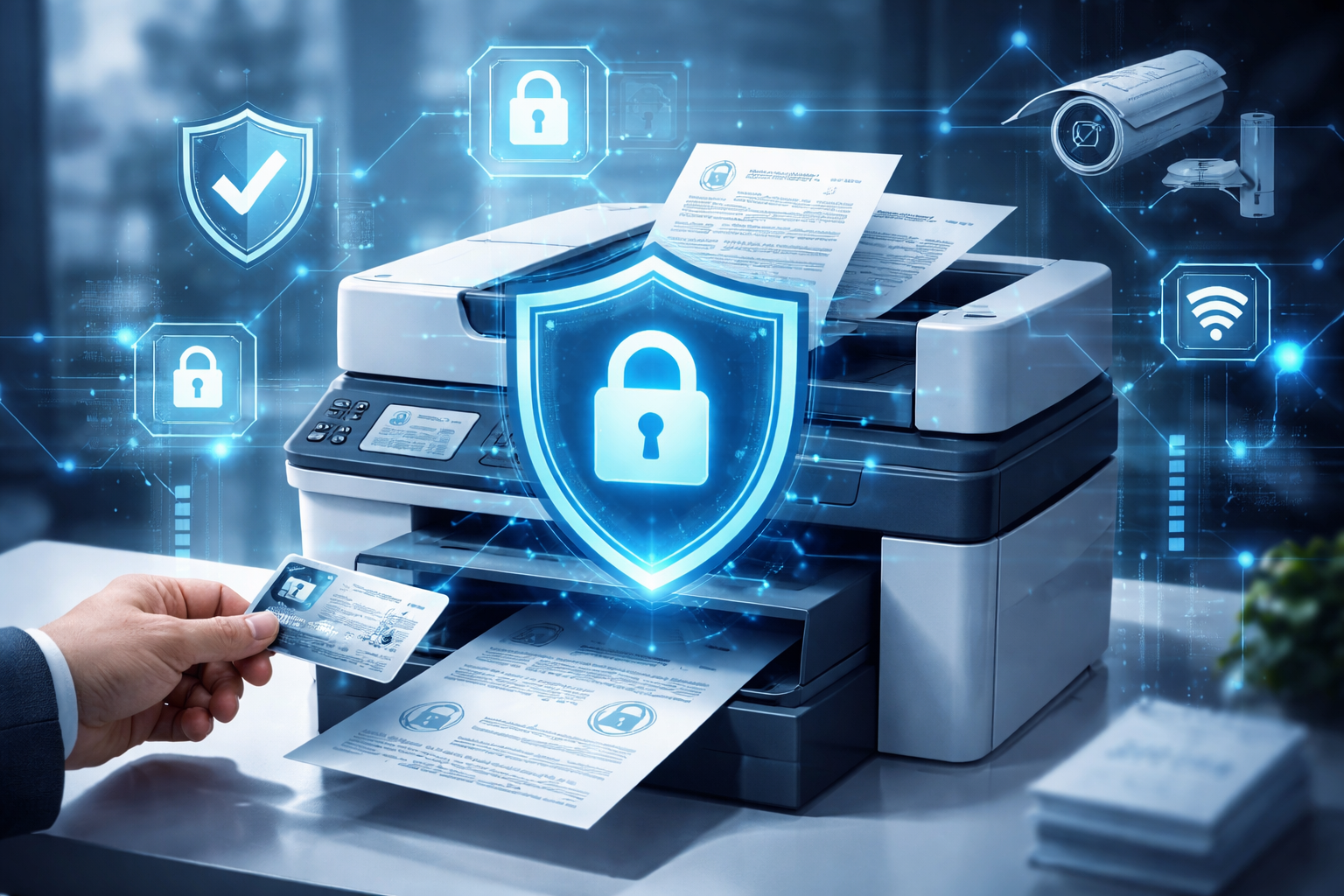
Today’s copiers are fully connected devices. They communicate with networks, user directories, and document destinations throughout the organization. Firmware updates help ensure those connections remain aligned with current security standards.
Updates often include:
- Enhancements to authentication and access controls
- Improvements to encrypted communication methods
- Refinements to how the device handles network traffic
- System level adjustments that support responsible data handling
Keeping firmware current allows organizations to operate with confidence, knowing their devices are designed to work securely within modern networks.
For businesses looking to align device security with broader IT strategies, Document Solutions also supports organizations through Managed IT Services, helping systems work together seamlessly.
2) Maintaining reliability and consistent performance
Firmware updates are frequently released to refine how copiers perform in real-world office environments. Over time, manufacturers identify opportunities to improve stability and optimize system behavior.
Applying updates can help:
- Maintain consistent printing and scanning performance
- Improve how devices process complex or high-volume jobs
- Reduce minor interruptions caused by software inefficiencies
- Support smoother operation throughout the workday
Rather than waiting for issues to appear, firmware updates help keep devices operating as intended, supporting reliability over the long term.
3) Staying compatible as technology evolves
Office technology does not stand still. Operating systems are updated, security policies change, and workflows continue to evolve. Firmware updates help copiers stay compatible with these changes.
Updates often support:
- New operating system versions and updated print drivers
- Modern security requirements and protocols
- Integration with print management tools
- Improved handling of common file types and scan destinations
This compatibility helps ensure that teams can continue working smoothly without unexpected interruptions as systems around them change.
4) Enhancing everyday performance
In addition to stability and compatibility, firmware updates often include performance refinements that improve the overall user experience.
Depending on the model, updates could potentially deliver:
- Faster startup or wake-up behavior
- More efficient handling of large print or scan jobs
- Consistent performance across networked devices
These behind-the-scenes improvements contribute to a smoother, more responsive copier experience throughout the day.
A Thoughtful Approach to Firmware Updates
Firmware updates do not need to be disruptive. With a structured approach, updates can be applied smoothly and with minimal impact on daily operations.
Best practices include:
- Confirming the copier make, model, and current firmware version
- Reviewing release notes to understand what the update provides
- Scheduling updates during low-usage periods
- Backing up device settings when supported
- Verifying key workflows after the update, such as scanning and printing
- Documenting update history for future reference
This approach supports consistency across devices and helps maintain a reliable print environment.
How Document Solutions Supports Copier Maintenance
Firmware updates are just one part of a well-managed copier strategy. The larger goal is creating a print environment that supports productivity, security, and ease of use over time.
Document Solutions helps organizations:
- Review firmware status as part of overall device health
- Support stable and consistent copier performance
- Align device settings with network and user needs
- Maintain consistency across multiple devices and locations
- Plan proactively for long-term print infrastructure success
If you want a copier and printer environment that evolves smoothly alongside your business, explore our solutions.
FAQ: Copier Firmware Updates
Will a firmware update change our copier settings?
Most updates are designed to preserve existing settings. However, it is always a good practice to confirm configurations afterward, especially for scanning destinations and authentication settings.
Do firmware updates support security best practices?
Yes. Updates often include improvements that support secure communication, access control, and system stability, helping devices operate confidently within modern networks.
Can updates be handled without disrupting staff?
With proper scheduling and planning, firmware updates can typically be completed during low-usage periods with minimal impact on daily workflows.
Keep Your Print Environment Running Smoothly
Firmware updates are a simple, effective way to keep copiers operating reliably and in step with today’s technology. When handled thoughtfully, they support consistency, performance, and confidence across the workplace.
If you would like help reviewing firmware versions or managing updates as part of a broader copier strategy, Document Solutions is here to help. We focus on keeping print environments dependable, easy to use, and ready for everyday work.
Call Document Solutions at (888) 880-3377 or fill out the form below to learn how we can help you optimize your print environment with our services, printers, and copiers today!
- Categories: