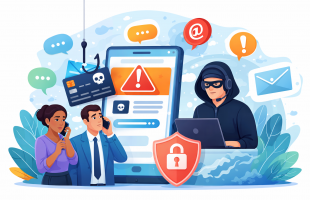
Passwords are still one of the most common ways people access business systems. Email, cloud applications, file storage, accounting software, and internal tools all rely on them. When managed well, passwords help protect sensitive data and keep workflows running smoothly. When handled poorly, they become one of the easiest ways for attackers to gain access.
Many businesses do not realize how often passwords are stored in unsafe places. Text files, sticky notes, spreadsheets, and tools like Notepad++, are frequently used for convenience. While this may feel harmless, storing passwords in plain text creates unnecessary risk and exposes organizations to avoidable security issues.
The encouraging news is that there are proven, practical ways to manage passwords securely without making work harder. With the right approach, businesses can reduce risk, improve visibility, and support a stronger overall cybersecurity posture.
The Problem With Storing Passwords in Plain Text
Plain-text password storage means credentials are saved in a readable format with no encryption or protection. Common examples include:
- Text editors such as Notepad or Notepad++
- Word documents or PDFs
- Excel or Google Sheets files
- Notes apps or email drafts
- Paper notes kept at desks or in drawers
These methods are popular because they are fast and familiar. Unfortunately, they are also easy targets.

If someone gains access to a workstation, shared folder, or backup file, plain-text passwords can be read instantly. No special tools or technical skill are required. This makes them highly attractive to attackers looking for a quick path into systems.
Plain-text storage also increases exposure during everyday events, such as:
- Lost or stolen laptops
- Phishing attacks that lead to remote access
- Malware infections that scan files for credentials
- Accidental sharing of files or folders
Even trusted tools can become part of the problem when they are used for purposes they were never designed to handle, such as storing sensitive credentials.
Why Password Files Are Attractive Targets
Attackers are always looking for efficiency. A single password file can unlock email accounts, cloud platforms, VPNs, and administrative tools. That makes password lists extremely valuable.
Modern attacks often focus on:
- Searching common file names such as passwords.txt or login-notes.docx
- Scanning local and network drives for readable text
- Harvesting credentials during software or system misuse
- Using compromised endpoints as a stepping stone into larger environments
Once credentials are exposed, attackers can move quietly, reuse passwords across systems, and escalate access without triggering alarms. This is one reason credential theft continues to be a leading cause of security incidents.
Why Convenience Should Not Come at the Cost of Security
It is important to acknowledge why people store passwords the way they do. Teams are busy. They juggle multiple logins and systems every day. They want access to be reliable and fast.
The goal of good security is not to slow people down. It is to support safe, repeatable processes that reduce risk while keeping work simple.
Password managers are designed specifically to solve this problem.
What a Password Manager Does
A password manager is a secure tool designed to store, encrypt, and manage credentials in one protected place. Instead of saving passwords in plain text, the manager encrypts them so they cannot be read without proper authentication.
While features vary by provider, most reputable password managers are built to support:
- Strong encryption to protect stored credentials
- Secure access using a master password or approved authentication method
- Automatic password generation for stronger, unique passwords
- Centralized management and visibility
- Safer sharing of credentials when business needs require it
The key advantage is that passwords are never stored in a readable format. Even if a device or file is accessed improperly, encrypted credentials remain protected.

Why Businesses Should Do Their Due Diligence
There is no single password manager that is right for every organization. Business size, industry, compliance needs, and existing IT infrastructure all play a role.
Rather than promoting any one solution, it is best practice for businesses to:
- Research providers with a strong security track record
- Review encryption standards and independent audits
- Confirm compatibility with existing systems
- Evaluate administrative controls and reporting
- Understand how the solution supports business continuity
Taking the time to evaluate options ensures the tool fits your environment and supports long-term security goals.
Password Managers as Part of a Broader Cybersecurity Strategy
Password management works best when it is part of a layered approach to cybersecurity. This includes:
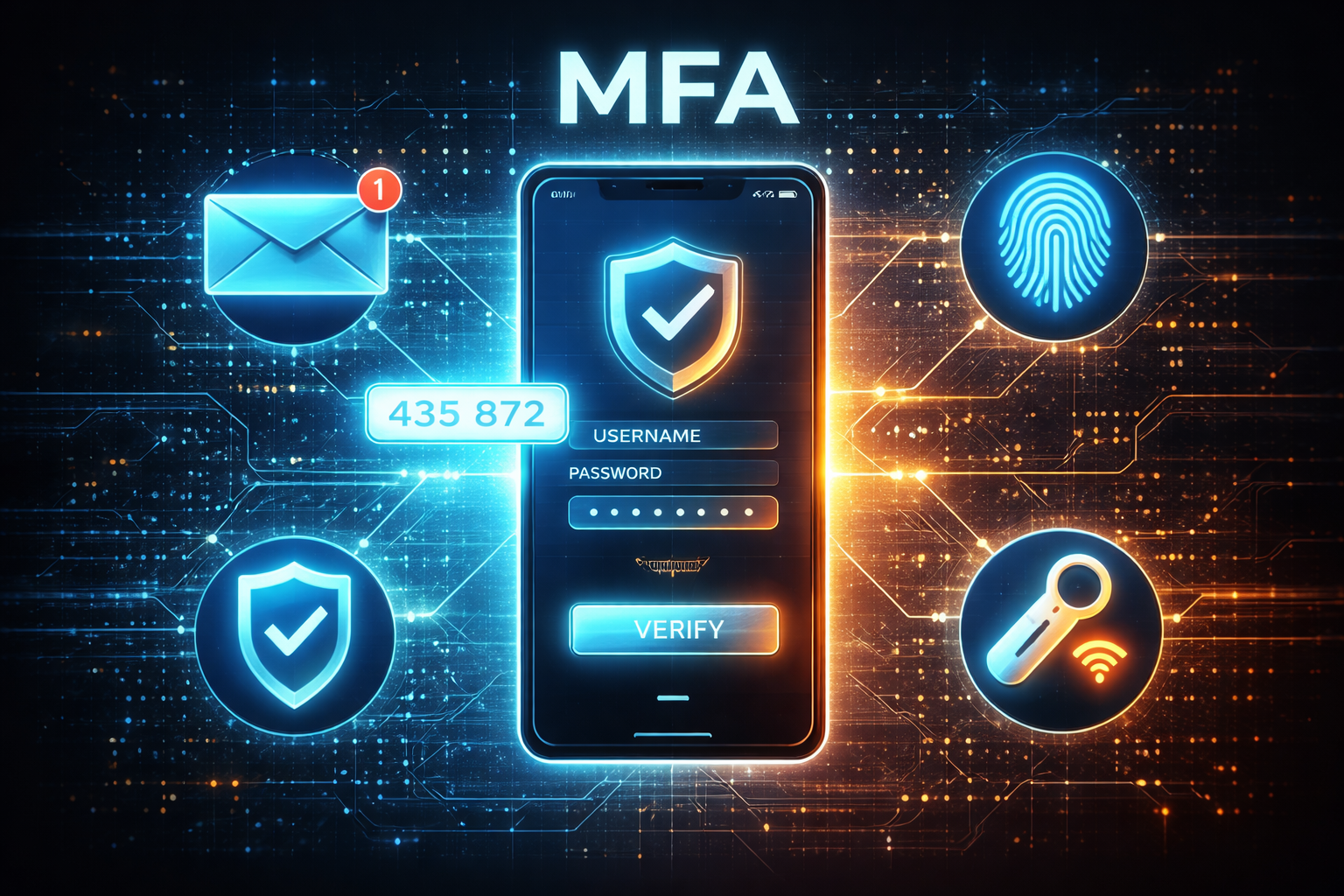
- Multi-factor authentication for critical systems
- Device security and patch management
- Access controls based on job roles
- Ongoing user education and awareness
At Document Solutions, we help organizations align these pieces into a cohesive strategy through our Managed IT Services.
Addressing Common Misconceptions
Some businesses hesitate to adopt password managers due to common concerns. In reality, many of these concerns are easy to address.
Concern: One tool holds all passwords
Reputable password managers use strong encryption and zero-knowledge designs, meaning credentials are protected even from the service provider.
Concern: Employees will resist change
Most users find password managers easier than remembering or tracking passwords manually once they are set up properly.
Concern: Setup is too complex
With professional guidance, deployment and training can be straightforward and minimally disruptive.
Positive Steps Businesses Can Take Today
Improving password security does not require a complete overhaul. Small, intentional steps make a meaningful difference.
- Identify where passwords are currently stored
- Eliminate plain-text files and unsecured notes
- Encourage unique passwords for each system
- Evaluate password management solutions carefully
- Integrate password practices into broader IT policies
Each step strengthens your environment and reduces unnecessary exposure.
Frequently Asked Questions
Is storing passwords in Notepad or Notepad++ safe?
No. Text editors store information in plain text, which means passwords are readable and unprotected. If a device or file is accessed by unauthorized users or malware, those credentials can be exposed immediately.
Are password managers safer than spreadsheets or documents?
Yes. Password managers are specifically designed to encrypt and protect credentials. Spreadsheets and documents are not built for secure credential storage and lack encryption by default.
Should businesses still use multi-factor authentication if they have a password manager?
Absolutely. Password managers and multi-factor authentication work together. Using both significantly reduces the likelihood of unauthorized access.
Can Document Solutions help evaluate password security?
Yes. Our Managed IT Services team helps businesses review current practices, identify gaps, and implement solutions that align with their security goals.
A Smarter, Safer Way Forward
Storing passwords in plain text is a habit many organizations have outgrown. Today’s threat landscape calls for tools and processes that protect credentials without adding friction.
Password managers offer a positive, practical step toward stronger security when selected thoughtfully and implemented correctly. Combined with broader cybersecurity best practices, they help businesses protect sensitive data and maintain confidence in their systems.
Many compliance frameworks (NIST, NYDFS, HIPAA, SOC2, etc.) require documented access controls, credential management procedures, and least-privilege access. A business-grade password manager can support these requirements by providing centralized oversight, audit logs, and controlled sharing of credentials.
If your organization would like guidance on improving password security, reducing risk, or strengthening your overall cybersecurity strategy, Document Solutions is here to help. Contact our Managed IT Services team to start a conversation about securing your data and supporting your business with confidence.
Document Solutions helps businesses maintain secure, dependable IT environments that support long-term success. Call (888) 880-3377 or contact Document Solutions in the form below to learn how our Managed IT Services help safeguard your business data.
- Categories: