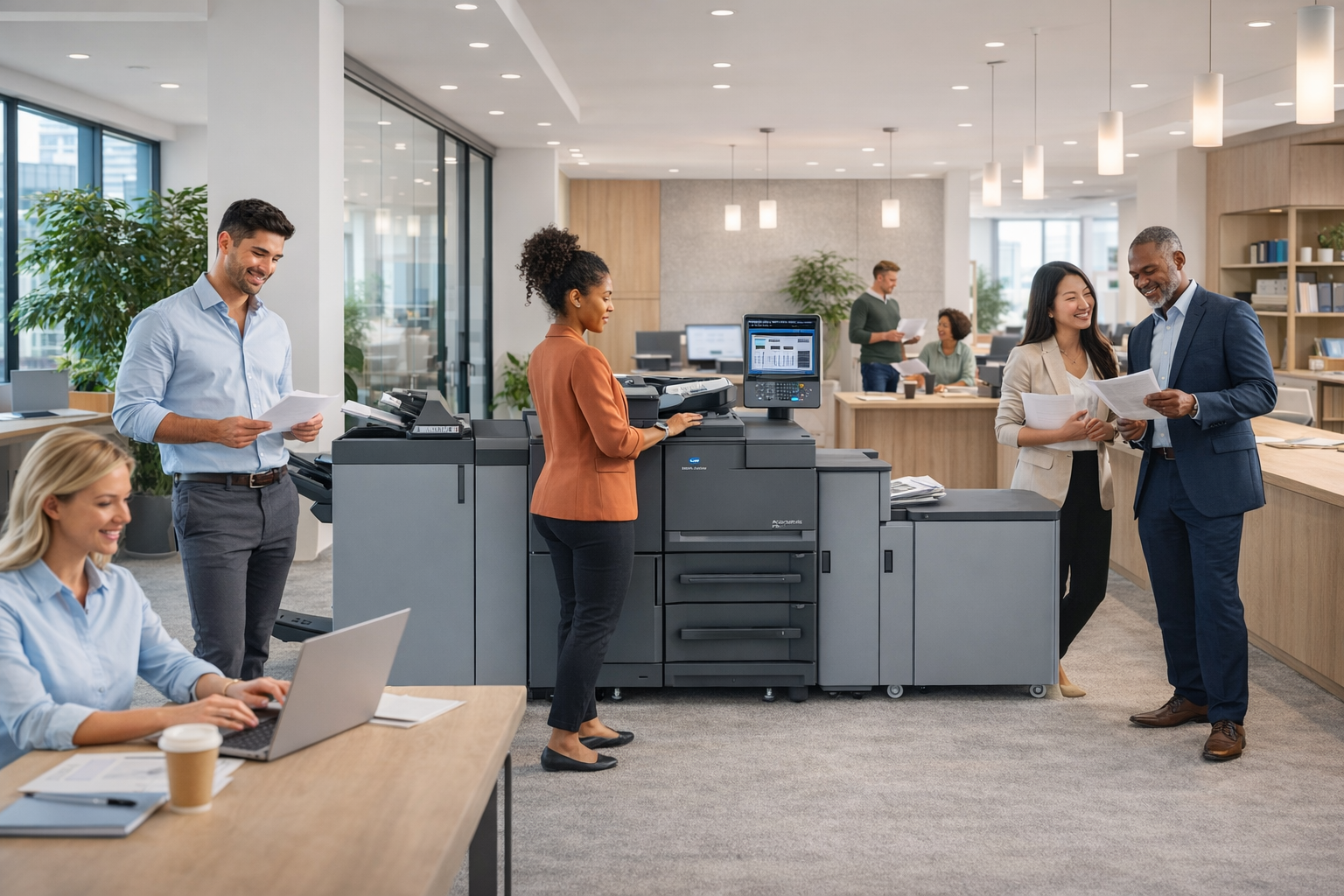
Most businesses focus on choosing the right printer, but overlook where it is placed, which is often where inefficiencies and hidden costs begin.
In many offices, printer placement is not planned, it simply evolves over time. Devices are added wherever space is available, departments request their own machines, and before long, the print environment becomes scattered and difficult to manage.
The result is not just inconvenience. It is wasted employee movement, unnecessary device sprawl, limited visibility into usage, and higher operating costs that often go unnoticed.
The good news is that optimizing printer placement is one of the most effective ways to improve productivity, reduce expenses, and create a more controlled office environment without replacing your equipment.
If your business is already leveraging modern devices from Document Solutions’ copiers and printers, strategic placement is the next step in maximizing that investment.
Why Printer Placement Directly Impacts Productivity, Cost, and Control
Printer placement is not just a layout decision. It is an operational strategy.
In many environments we assess, placement is one of the most overlooked contributors to inefficiency and unnecessary cost.
When devices are scattered without a clear plan:
- Employees spend more time walking between devices
- Print jobs slow down during peak usage
- Usage becomes harder to monitor and control
- Departments operate in silos with redundant equipment
- Printing costs increase without clear visibility
Many offices are operating with more printers than they actually need simply because placement was never optimized.
By contrast, a well-planned layout creates:
- Faster document turnaround
- Better accountability and tracking
- Reduced device count and lower supply costs
- A more organized and professional workspace
This is where small operational changes can create measurable business impact.
The Most Effective Printer Locations in a High-Performing Office
There is no single layout that works for every business. However, high-performing offices consistently follow a few proven placement strategies.
1. Centralized Shared Zones That Maximize Efficiency
Placing printers in centralized areas is one of the most effective ways to improve both efficiency and cost control.
Ideal locations include:
- Shared workspaces between departments
- Areas near natural foot traffic without creating congestion
- Equidistant points between teams
Why this works:
- Reduces the total number of devices needed
- Encourages shared, efficient usage
- Improves visibility into printing behavior
Centralization is often the fastest way to reduce device sprawl while maintaining accessibility.
2. Dedicated Print Stations That Streamline Workflow
Instead of placing printers randomly across the office, many organizations create designated print areas.
These stations are designed specifically for:
- Printing
- Scanning
- Copying
- Document finishing
Operational advantages:
- Keeps noise away from desks and focused work areas
- Reduces clutter across departments
- Creates a consistent, repeatable workflow
A well-designed print station turns printing into a structured, efficient process rather than a daily interruption.
3. Strategic Department Placement for High-Volume Teams
Some departments require faster, more immediate access to printing.
This includes:
- Accounting and finance teams
- HR departments handling sensitive documents
- Operations teams with high document volume
In these cases, placing a device closer to the team supports productivity.
However, without a strategy, this can quickly lead to unnecessary cost.
Uncontrolled department placement often results in:
- Too many devices across the office
- Higher maintenance and supply costs
- Limited visibility into actual usage
The goal is to support workflow while maintaining control and efficiency.
4. Controlled Access Areas for Secure Printing
Printer placement plays a direct role in document security.
Unattended documents in high-traffic areas can create unnecessary exposure, particularly in industries like healthcare, legal, and finance.
Best practices include:
- Placing sensitive devices in controlled-access environments
- Avoiding open, public-facing areas for confidential printing
- Aligning placement with broader IT and security strategies
When combined with secure print management and Managed IT Services, businesses can strengthen document protection while maintaining accessibility.
5. Close to Teams, Without Disrupting Productivity
Convenience matters, but so does focus.
Printers placed directly next to desks often create:
- Noise distractions
- Frequent interruptions
- Increased casual or unnecessary printing
Instead, the ideal placement is:
- Close enough for quick access
- Far enough to maintain a productive work environment
This balance supports both efficiency and employee experience.
Where Printer Placement Creates Hidden Inefficiencies
Just as important as knowing where to place printers is understanding where placement creates operational drag.
Common issues include:
Too Many Devices Across the Office
- Increases supply and maintenance costs
- Reduces accountability and visibility
High-Traffic Bottlenecks
- Slows down employee movement
- Creates delays during peak usage
Isolated or Inconvenient Locations
- Increases time spent retrieving documents
- Reduces overall workflow efficiency
Unsecured Public Areas
- Increases risk of unattended sensitive documents
- Weakens document control
In many offices, these issues develop gradually and go unnoticed, but they have a direct impact on productivity and cost.
How Strategic Placement Reduces Print Costs
Printer placement directly influences how much your business spends on printing.
When placement is unstructured:
- Devices are duplicated across departments
- Supplies are consumed inefficiently
- Print activity is harder to track
- Costs increase without clear accountability
When placement is optimized:
- Devices can be consolidated
- Usage becomes more visible
- Waste is easier to identify and reduce
- Costs become more predictable and manageable
When combined with tools like PrintFleet, businesses gain real-time insight into device usage, supply levels, and performance, making cost control more proactive.
 Connecting Placement to a Smarter Print Strategy
Printer placement should not exist in isolation. It should be part of a broader, intentional print strategy.
High-performing organizations align placement with:
- Workflow optimization
- Cost control initiatives
- Security policies
- Technology capabilities
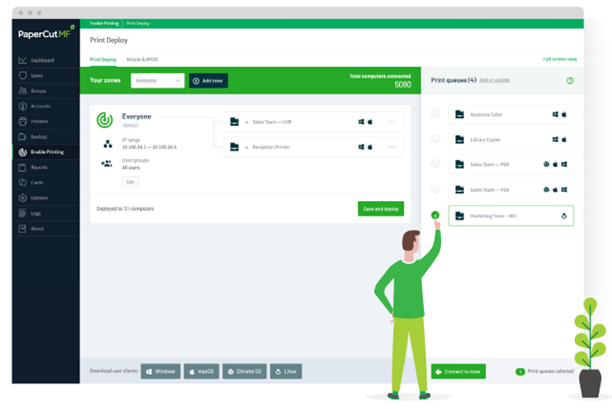
For example, pairing optimized placement with solutions like PaperCut enables:
- User-level print tracking
- Secure print release
- Reduced unnecessary printing
- Improved accountability across departments
When placement and technology work together, printing becomes a controlled, optimized function rather than an unmanaged expense.
A Smarter Office Starts with Smarter Placement
Many businesses look for major upgrades to improve efficiency. In reality, some of the most impactful improvements come from operational decisions.
Printer placement is one of them.
If your current setup has grown over time without a clear strategy, there is a strong likelihood your business is operating with:
- More devices than necessary
- Higher costs than expected
- Less visibility into print usage
Most offices have never formally evaluated their print environment, which creates a significant opportunity for improvement.
By rethinking placement, your organization can:
- Improve productivity across teams
- Reduce unnecessary expenses
- Strengthen document security
- Create a more efficient, organized workplace
Frequently Asked Questions
What is the best location for an office printer?
A centralized, accessible location that serves multiple employees without creating congestion is typically the most effective. This supports efficiency and reduces unnecessary devices.
Should every department have its own printer?
Not always. While some high-volume teams benefit from nearby access, most offices operate more efficiently with shared devices and strategic placement.
How does printer placement impact security?
Placement determines how easily documents can be accessed. Printers in uncontrolled areas increase the risk of sensitive information being left unattended. Controlled placement and secure print release help mitigate this.
Can better placement actually reduce printing costs?
Yes. Optimized placement reduces device sprawl, improves tracking, and minimizes waste, all of which contribute to lower overall costs.
How often should printer placement be reviewed?
Placement should be evaluated whenever your office layout changes, your team grows, or your print volume shifts.
Optimize Your Print Environment with Document Solutions
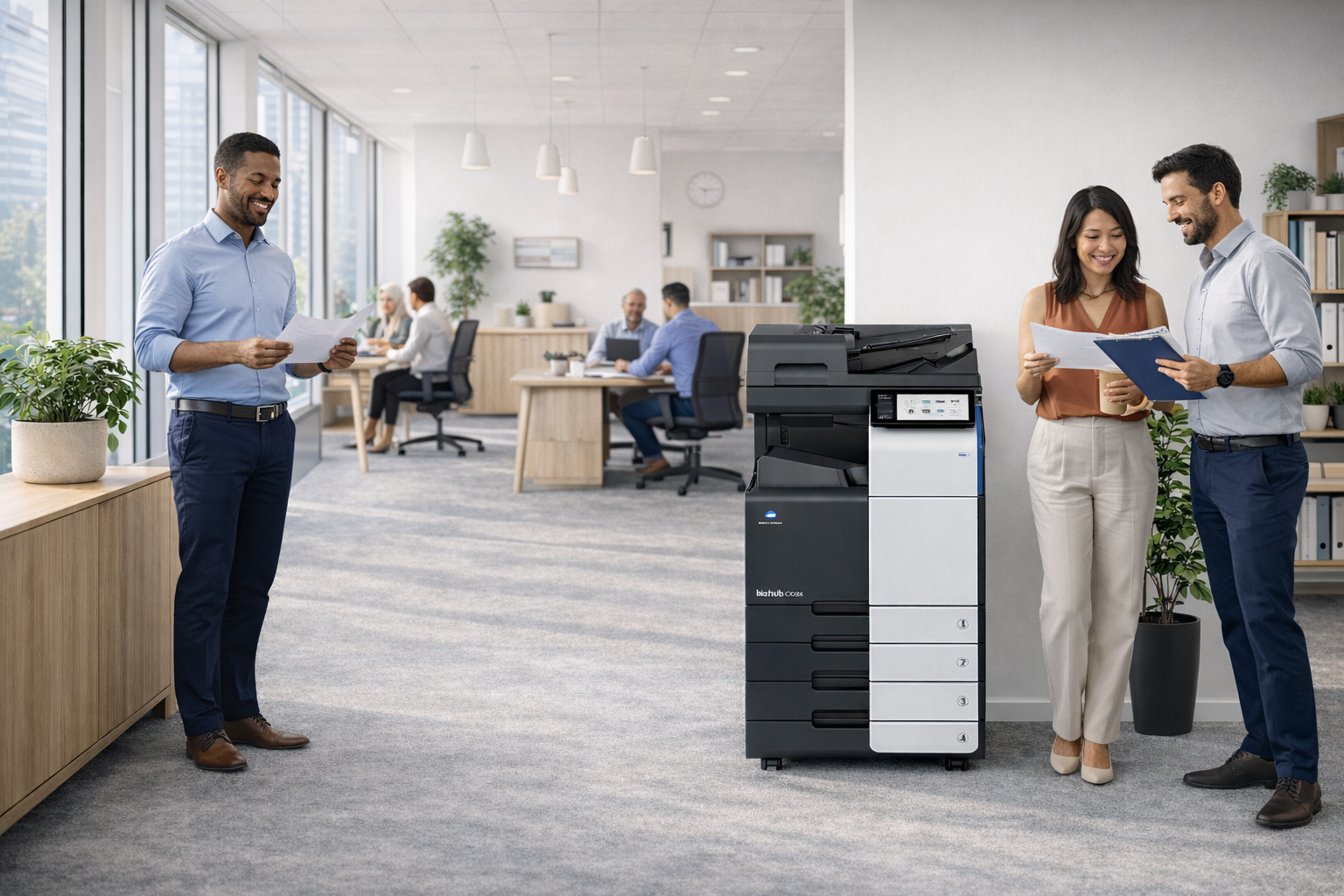
The right printer is only part of the equation. How your print environment is designed determines how efficiently your business operates.
If your printer placement has never been evaluated strategically, there is a strong likelihood your organization is carrying unnecessary costs, excess devices, and hidden inefficiencies.
Document Solutions helps businesses design smarter print environments that improve workflow, reduce waste, and create long-term operational efficiency.
Explore how copiers and printers from Document Solutions, combined with expert guidance, print management, and ongoing support, can transform the way your office prints. Call us at (888) 880-3377 or fill out the form below to see how we can optimize your print environment today!
Continue Reading
- Why Offices Overspend on Printing Costs and How to Reduce Print Expenses
- How to Choose the Right Print Setup for a Multi-Department Office
- The Importance of High-Speed Production Printing
- Categories: