The modern workplace has changed dramatically in recent years. Employees collaborate across offices, work remotely when needed, and rely on cloud platforms to store and share information. As these shifts have taken place, printing technology has evolved as well.
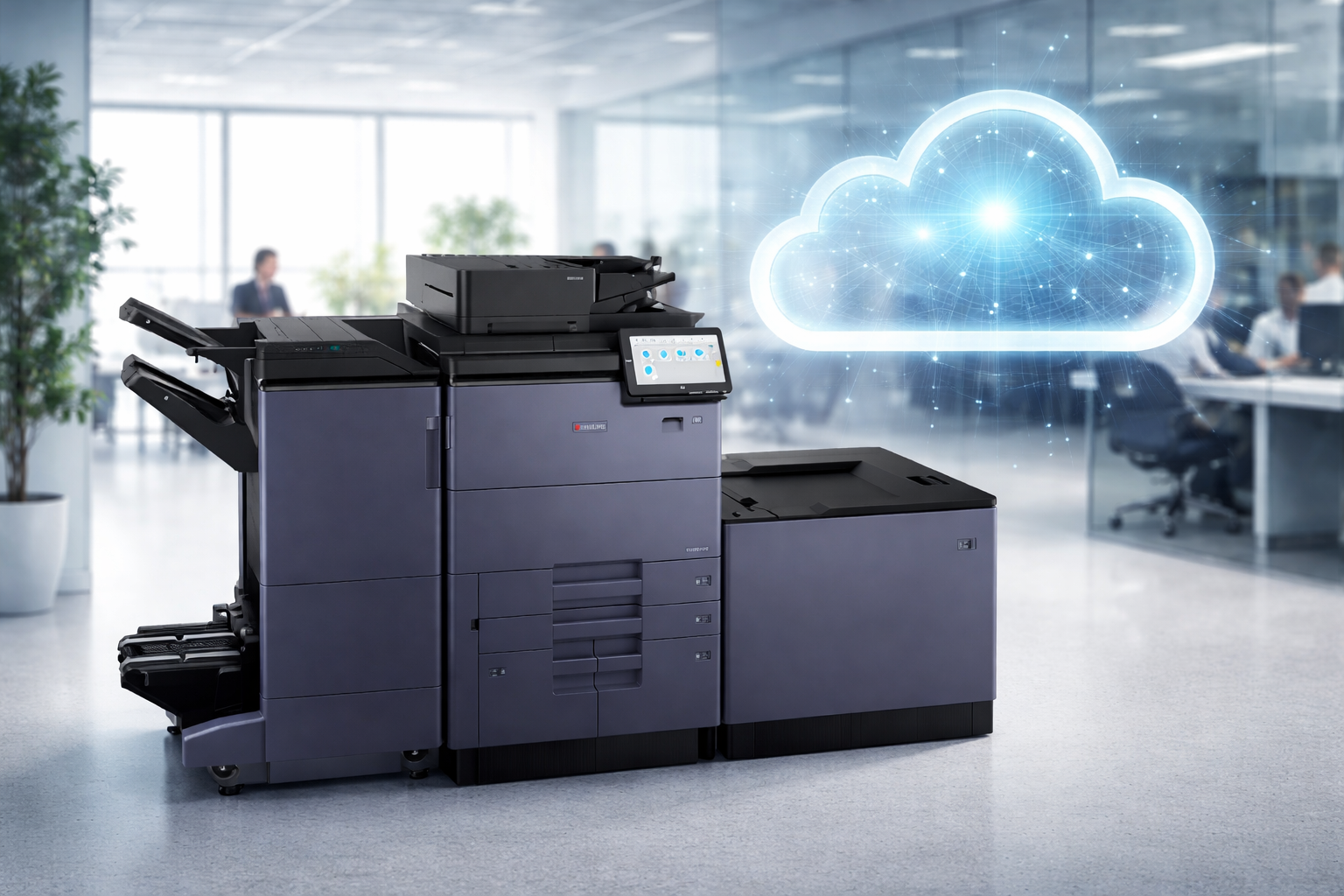
One of the most important developments is cloud printing. Instead of relying solely on local servers or office networks, cloud printing allows businesses to manage print jobs through secure cloud-based systems. This approach makes printing more flexible, easier to manage, and better aligned with the way teams work today.
For businesses looking to modernize their print environment, cloud-enabled copiers and multifunction printers can help create a smoother workflow. Document Solutions helps organizations implement these modern printing environments using advanced devices and managed support. Learn more about available copier and printer solutions.
What Is Cloud Printing?
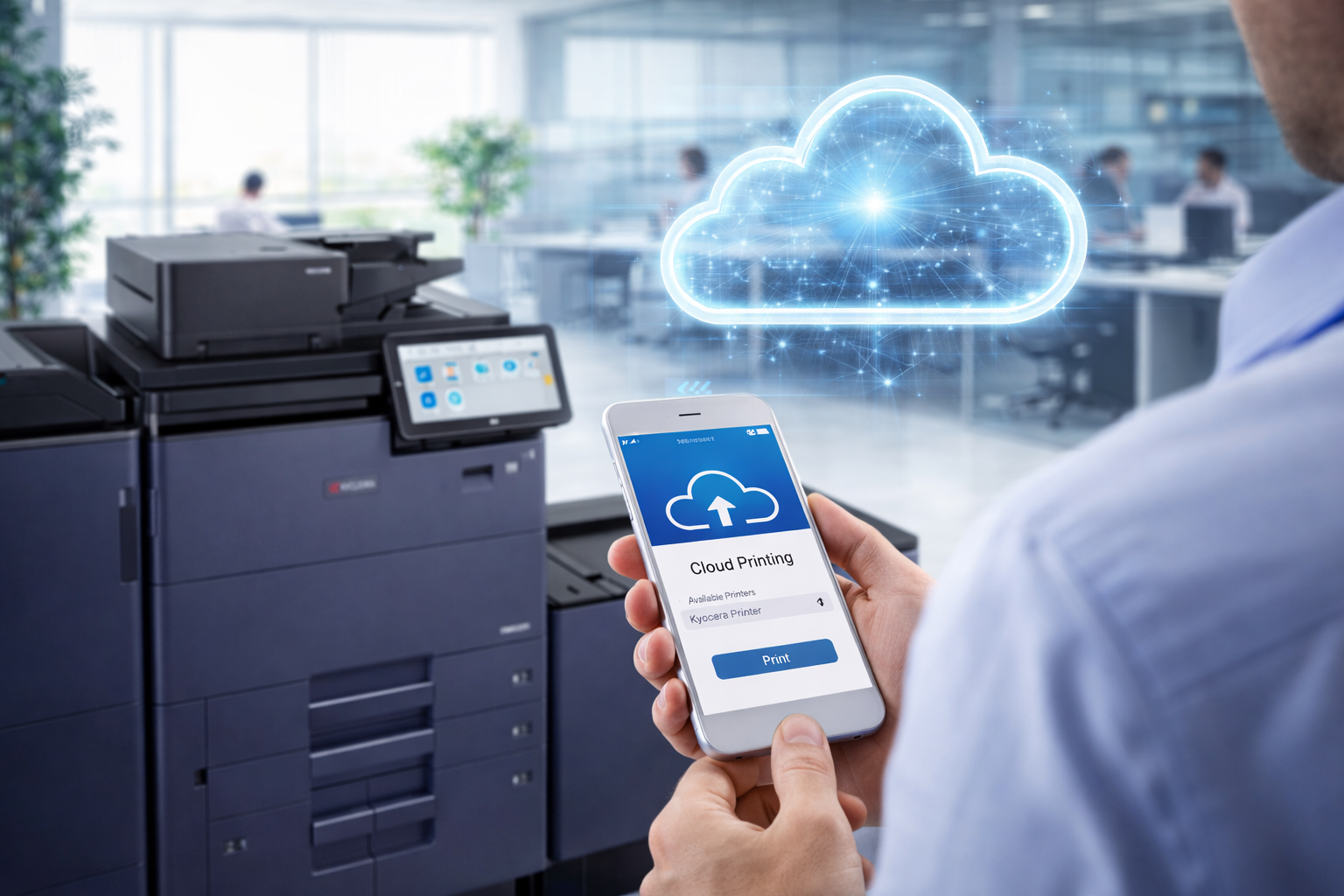
Cloud printing allows users to send print jobs through a cloud-based platform rather than directly through a local network or a device-specific driver installed on a single computer.
In practical terms, cloud printing means employees can submit documents to a printer from various devices while the system securely manages the job until it is printed.
A cloud printing environment often supports:
- Printing from laptops, tablets, or smartphones
- Access to printers without complex driver installation
- Integration with cloud storage platforms such as Microsoft OneDrive, Google Drive, or SharePoint
- Centralized print management for administrators
- Secure print release at the device
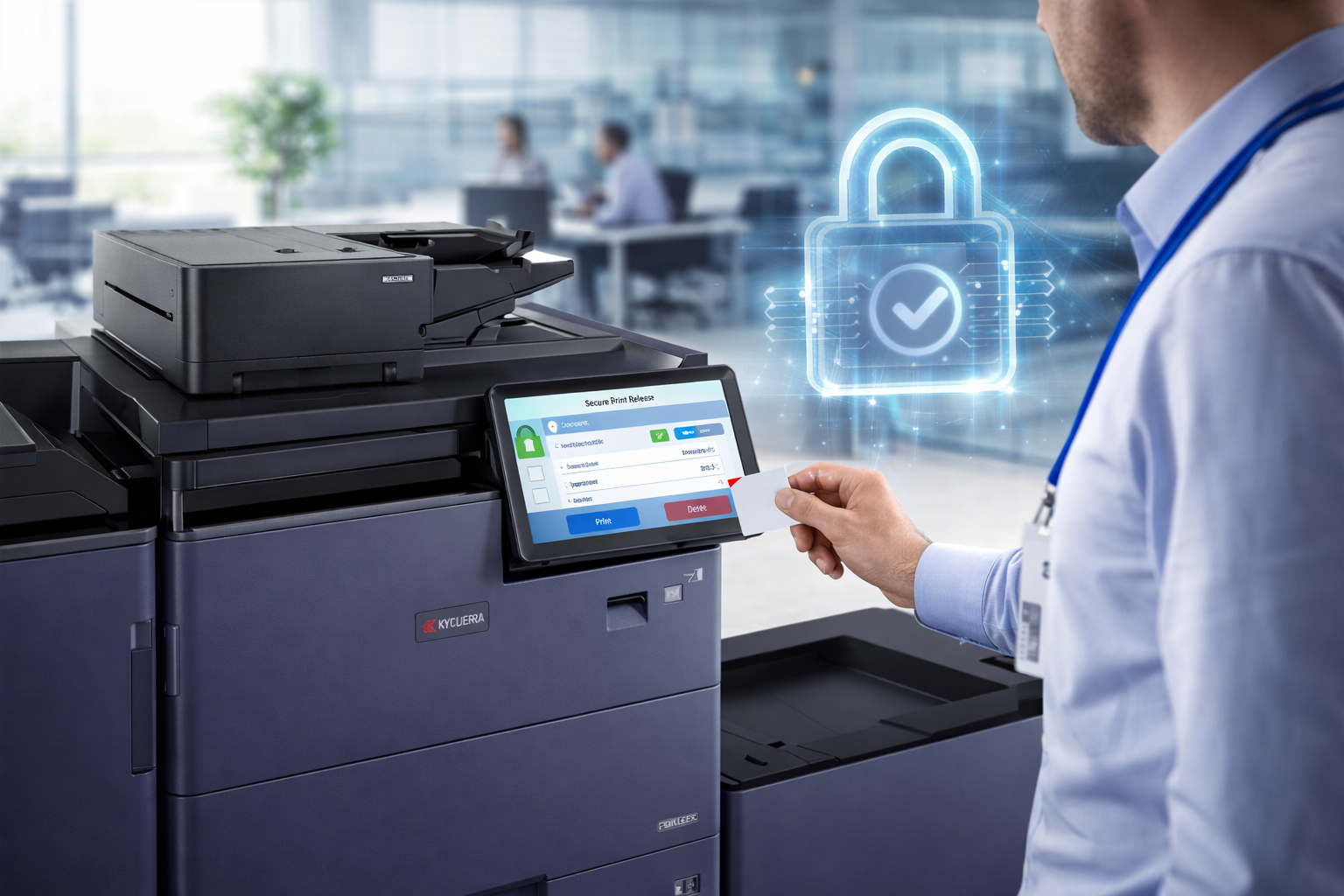
Instead of being limited to one workstation or network, printing becomes part of the broader digital workflow many businesses already rely on.
Why Businesses Are Moving Toward Cloud Printing
Organizations are adopting cloud printing because it aligns with how people now access information and collaborate. Rather than managing printing separately from other systems, cloud printing connects print infrastructure with the rest of a company’s technology environment.
Several key factors are driving this shift.
Greater flexibility for employees
Cloud printing supports teams that work from multiple locations. Employees can send print jobs from wherever they are working and release them when they arrive at the office printer.
This approach supports:
- Hybrid work environments
- Mobile employees who travel between locations
- Teams collaborating across departments or offices
Simplified IT management
Traditional printing setups often require device drivers, local server configurations, and manual user setup. Cloud printing can streamline these processes by centralizing management.
For many IT teams, cloud printing offers benefits such as:
- Easier device onboarding
- Fewer driver compatibility issues
- Centralized user access management
- Improved visibility into printer usage
Better alignment with cloud-based tools
Many organizations already use cloud platforms for storage, communication, and collaboration. Cloud printing allows documents stored in those platforms to move seamlessly into print workflows.
For example, employees can print documents stored in:
- Microsoft 365 environments
- Google Workspace platforms
- Cloud-based document management systems
This reduces friction between digital and printed workflows.
How Cloud Printing Supports Modern Office Workflows
Printing is often the final step in a larger workflow. A document might begin in a cloud-based system, move through collaboration and editing, and then be printed for distribution, signing, or review.
Cloud printing helps connect those stages more efficiently.
Faster document access
Employees can print documents directly from cloud storage platforms without needing to download files to specific computers first.
Consistent printing across devices
Cloud printing environments often provide a unified print interface, allowing employees to send jobs to compatible printers regardless of which device they are using.
Reduced dependence on local infrastructure
Traditional printing setups may require dedicated print servers and local configuration. Cloud printing shifts much of this management into cloud platforms, helping organizations streamline infrastructure.
Security Features in Modern Cloud Printing
Security is an important part of modern printing environments. Many cloud printing platforms include built-in safeguards designed to help businesses manage document access and printing permissions.
Common security capabilities include:
- User authentication to confirm who is sending or releasing a print job
- Encrypted transmission of print data between devices and printers
- Secure print release, which holds a job until the user authenticates at the device
- Administrative access controls that define user permissions
These features help ensure that documents are printed intentionally and accessed by authorized users.
When combined with properly configured multifunction printers and managed support, cloud printing can support both convenience and responsible document handling.
Cloud Printing and Multifunction Printers
Modern multifunction printers play a key role in cloud printing environments. These devices are designed to connect with network and cloud-based systems while supporting multiple document functions.
Many business copiers today offer features such as:
- Cloud-connected scanning to email or storage platforms
- Integration with document management systems
- Secure print release options
- Remote device management
- Firmware updates that improve performance and compatibility
These capabilities allow printers to act as part of the organization’s digital ecosystem rather than standalone machines.
Businesses exploring cloud printing often start by evaluating their existing print environment and upgrading to devices that support modern workflows.
Document Solutions helps organizations assess their needs and implement multifunction printers designed for cloud-enabled operations.
Practical Benefits of Cloud Printing
For many organizations, the benefits of cloud printing appear in everyday operations.
- Improved workflow efficiency – Employees can move documents from digital platforms to print without unnecessary steps.
- Simplified printer access – Users can send jobs to available printers without needing complex setup procedures.
- Centralized print visibility – Administrators can monitor print activity and device performance from a single platform.
- Support for modern work styles – Cloud printing allows organizations to support remote and hybrid work while maintaining consistent printing access.
FAQ: Cloud Printing in Business Environments
What is the difference between cloud printing and traditional printing?
Traditional printing often relies on local drivers and network connections tied to a specific location. Cloud printing routes print jobs through cloud-based platforms, making it easier to manage printing across devices and locations.
Do businesses need new printers for cloud printing?
Not always, but many organizations benefit from upgrading to modern multifunction printers designed to support cloud integration and secure printing capabilities.
Is cloud printing secure?
Modern cloud printing platforms include security features such as encryption, authentication, and secure release functions. When configured properly, these features help organizations manage document access responsibly.
Can employees print from mobile devices?
Yes. Many cloud printing systems allow users to send print jobs from laptops, tablets, and smartphones.
How do companies get started with cloud printing?
Most businesses begin with an assessment of their current printer environment, followed by selecting devices and management tools that support cloud-enabled workflows.
Ready to Modernize Your Print Environment?
Cloud printing is helping businesses bring their print infrastructure in line with modern workplace technology. By connecting printers to cloud-based systems, organizations can support flexible work environments, streamline workflows, and simplify print management.
Businesses looking to take cloud printing even further can also benefit from cloud-based print management software. Document Solutions offers solutions such as PaperCut and PrintFleet, which help organizations monitor print activity, manage devices, and gain better visibility into their print environment. These platforms allow businesses to track usage, improve efficiency, and simplify printer management across their entire fleet.
Learn more about these solutions here:
https://www.dsbls.com/papercut/
https://www.dsbls.com/printfleet/
If your business is exploring cloud printing or evaluating its current copier fleet, Document Solutions can help you identify the right approach and devices for your office. Call us at (888) 880-3377 or fill out the form below to learn how we can optimize your print environment with our cloud-based print management tools, printers, and copiers today!
- Categories: