Healthcare offices handle a constant flow of documents every day. Patient intake forms, referrals, insurance paperwork, prescriptions, billing records, lab orders, care instructions, and internal administrative documents all move quickly through the office. When printing slows down, the impact is immediate. Front desk teams get backed up, clinical staff lose time, and patients feel the delay.
The good news is that high-volume printing in healthcare can be managed efficiently with the right equipment, workflow planning, and service support.
For medical practices, specialist groups, outpatient centers, and multi-location healthcare organizations, the goal is not simply to print more. It is to print smarter. A well-planned print environment can improve speed, reduce interruptions, support document security, and help staff stay focused on patient care.
At Document Solutions, we help organizations build practical, reliable print environments with the right mix of devices, support, and workflow guidance. If your office is evaluating new equipment or rethinking an older setup, our copiers and printers solutions can help support a more efficient day-to-day operation.
Why Printing Efficiency Matters in Healthcare Offices
In a healthcare setting, printing is closely tied to productivity. Even as digital systems continue to expand, many offices still rely on printed documents for essential tasks. Forms may need to be signed in person. Records may need to be scanned and routed. Insurance and referral paperwork often moves between digital and paper formats throughout the day.
When an office prints at high volume, even small inefficiencies can add up fast.
- Slow first-page-out times during busy check-in periods
- Devices that cannot keep up with daily print demand
- Frequent jams, service calls, or toner interruptions
- Bottlenecks caused by too few devices in the wrong locations
- Staff walking back and forth to shared printers
- Delays caused by scanning, filing, and document handling problems
A more efficient print setup helps reduce those friction points so teams can work more smoothly and patients can move through the office experience with fewer delays.
What Efficient Healthcare Printing Looks Like
Efficient printing in a healthcare office is about more than speed alone. It also involves reliability, security, usability, and thoughtful placement.
A strong print environment often includes:
- Multifunction devices that print, copy, scan, and fax in one place
- Reliable black-and-white output for high-volume everyday documents
- Fast scanning for patient paperwork and back-office workflows
- Secure access features for sensitive documents
- Department-based placement so staff can print close to where work happens
- Ongoing service and supply management to reduce downtime
The best setup supports the pace of the office without making printing feel like a constant problem to solve.
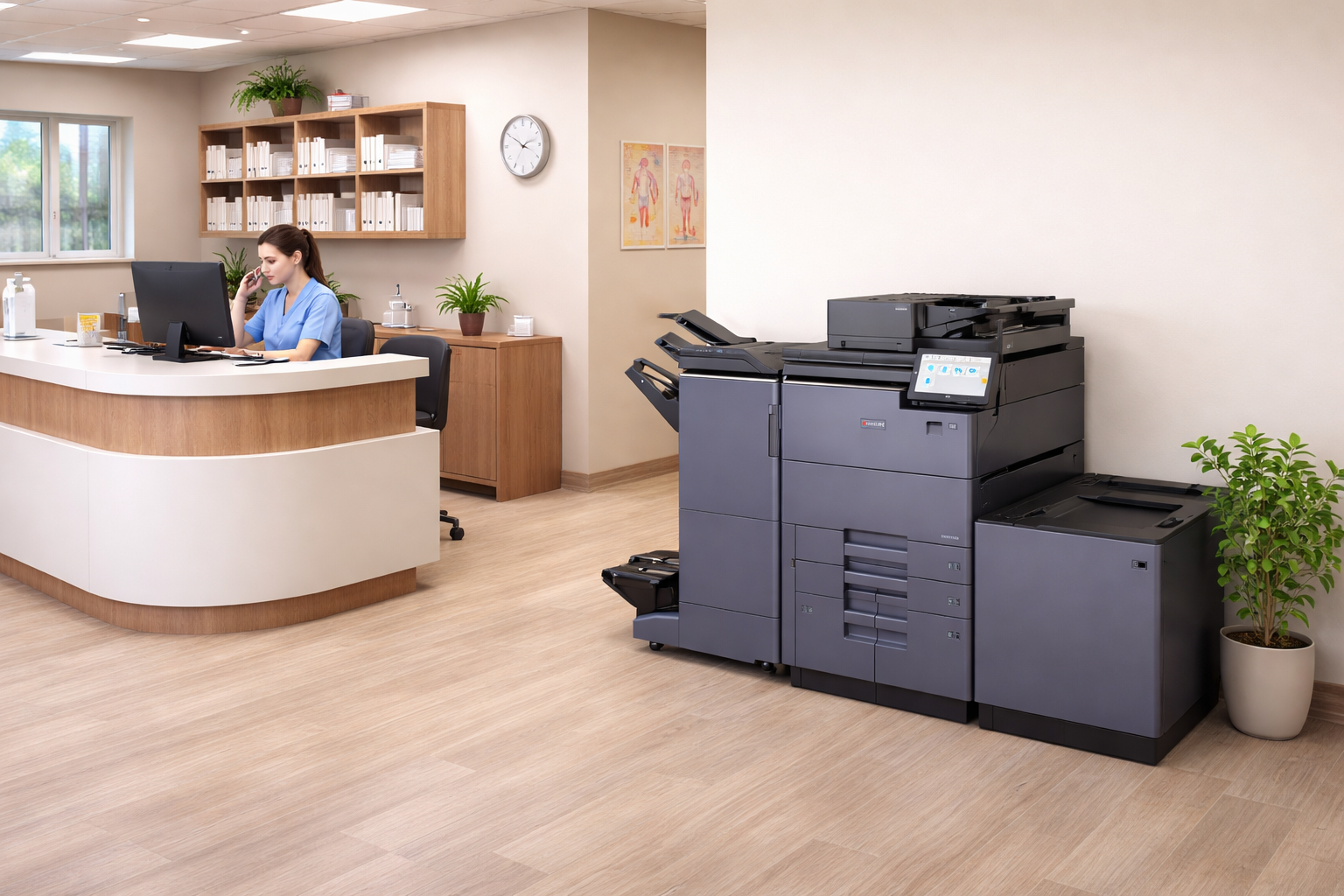
The Role of the Right Copier and Printer Setup
Not every healthcare office needs the same print environment. A small private practice has different needs than a large specialty group or multi-provider office. That is why matching the equipment to the workflow matters so much.
For example, front desk and administrative teams may need:
- Fast print speeds for check-in forms and scheduling documents
- High paper capacity to reduce refilling
- Easy scanning for ID cards, referrals, and intake paperwork
Clinical and records-related teams may need:
- Reliable scanning to support document capture
- Clear print quality for charts and care instructions
- Features that help control access to sensitive documents
Leadership and billing teams may benefit from:
- Consistent performance for larger monthly print runs
- Reporting features that help track usage
- Better device uptime and centralized management
The right combination of devices can help healthcare offices stay productive without overspending on features they do not need.
How Healthcare Offices Reduce Print Bottlenecks
One of the most effective ways to improve printing efficiency is to reduce bottlenecks. In many offices, the biggest issue is not total print volume. It is where and how that volume is handled.
A few practical improvements can make a major difference:
Place Devices Where the Work Happens
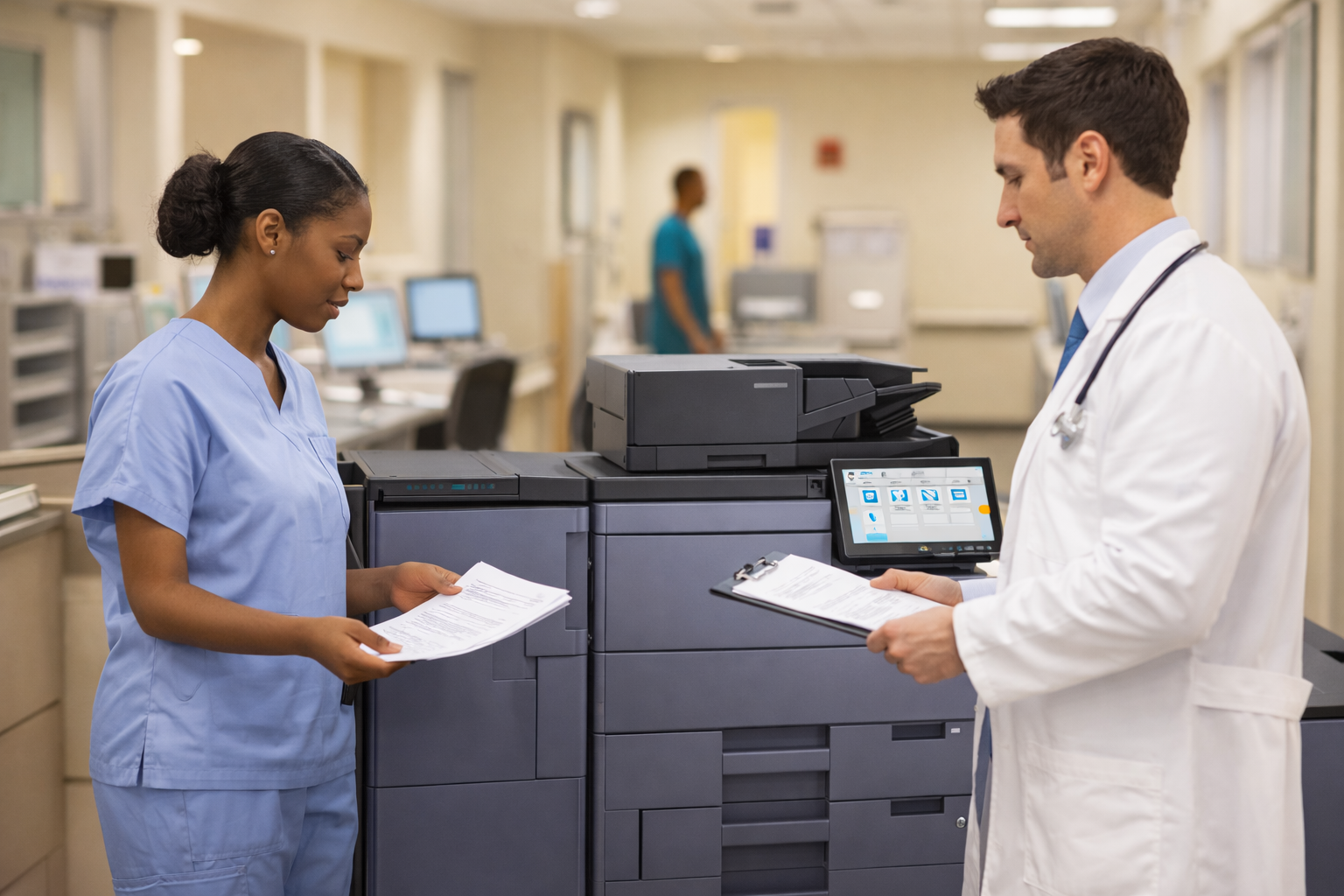
If every department relies on one central printer, delays are more likely. A better setup may include strategically placed multifunction systems near high-use teams such as reception, records, billing, or nurse stations.
Match Speed to Daily Demand
High-volume areas benefit from devices built for heavier monthly workloads and faster print speeds. When a printer is undersized for the environment, delays and wear tend to follow.
Standardize Where Possible
Using a more consistent fleet can simplify training, maintenance, supplies, and service. Staff spend less time figuring out different interfaces, and offices often gain a more predictable support experience.
Improve Scanning Workflows

Healthcare printing efficiency is closely tied to document capture. Devices that scan clearly and reliably can help staff move paperwork into digital workflows more quickly, reducing repeat handling.
Security Matters Alongside Efficiency
Healthcare offices also need to think about document security. Protected health information must be handled carefully, and print environments should support that responsibility.
Helpful print security features may include:
- User authentication or secure print release
- Role-based access to device features
- Scan-to-email or scan-to-folder controls
- Audit and usage tracking capabilities
- Hard drive and data security options on supported devices
The Value of Ongoing Service and Support
Healthcare teams are busy. They should not have to spend valuable time troubleshooting printers, tracking down toner, or waiting days for service.
A strong service partner can help with:
- Equipment recommendations based on actual office needs
- Installation and setup
- Supply management
- Maintenance and repairs
- Workflow guidance
- Fleet planning as the office grows
Choosing a Smarter Print Strategy for Your Healthcare Office
If your healthcare office is dealing with recurring print slowdowns, frequent service issues, or devices that no longer fit the pace of the business, it may be time to reassess the setup.
A smarter print strategy can help your team:
- Improve day-to-day efficiency
- Reduce document delays
- Support better handling of sensitive information
- Minimize downtime
- Create a smoother experience for both staff and patients
Frequently Asked Questions
What type of printer is best for a busy healthcare office?
In many cases, a multifunction copier or printer is a strong fit because it combines printing, scanning, copying, and fax capabilities in one device.
Can healthcare offices still improve efficiency if they use digital records?
Yes. Even offices with strong digital systems often still print intake forms, patient instructions, insurance documents, referrals, and internal paperwork.
Are secure print features important in medical offices?
Yes. Secure print features can help reduce the risk of sensitive documents being left unattended.
How do healthcare offices reduce printing delays?
Common ways include upgrading outdated equipment, placing devices closer to high-use departments, and improving scanning workflows.
When should a healthcare office replace its current print setup?
It may be time to reassess when devices are slowing down operations, requiring frequent repairs, or struggling with daily volume.
Document Solutions can help you choose the right devices and support plan for your workplace. Call us at (888) 880-3377 or fill out the form below to learn how we can optimize your print environment with our services, printers, and copiers today!
- Categories: