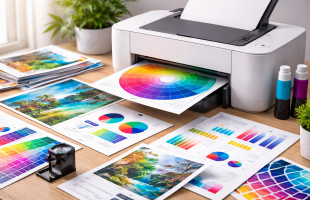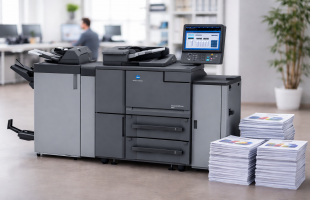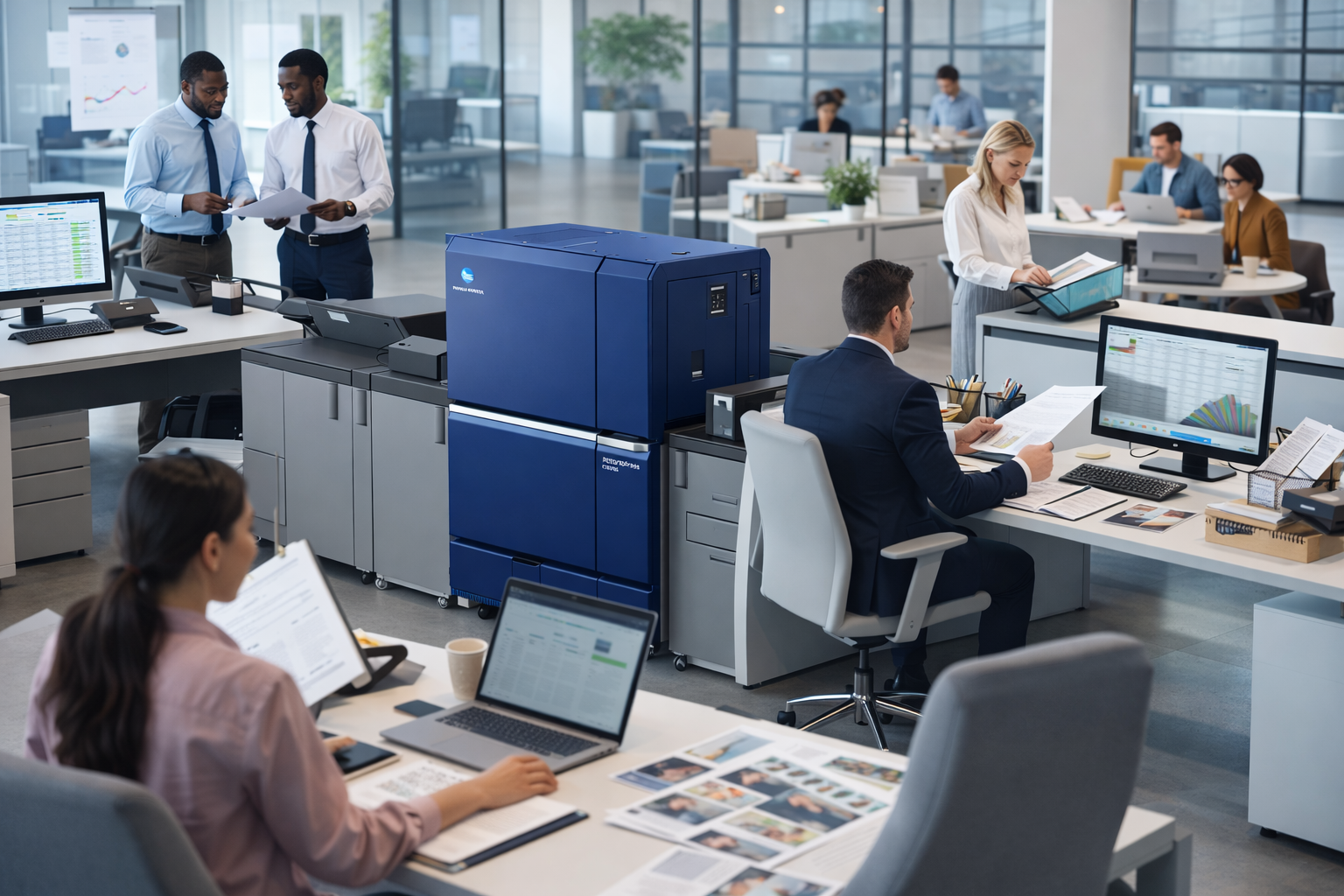
When a business has multiple departments, print needs are rarely one-size-fits-all. The finance team may need secure printing for sensitive documents. HR may need reliable scanning and document handling. Operations may need fast black-and-white output, while marketing may occasionally need higher-quality color prints.
That is why choosing the right print setup matters.
A well-planned print environment can help each department work more efficiently, reduce unnecessary costs, improve document security, and create a smoother day-to-day experience across the office. The goal is not simply to place printers throughout the building. It is to build a setup that supports how your teams actually work.
At Document Solutions, we help businesses create smarter, more effective office print environments with the right combination of devices, placement, service, and support. If your business is evaluating new equipment or rethinking an outdated setup, this guide can help you make a confident decision. You can also explore our copier and printer solutions to see the types of systems available for modern offices.
Why Multi-Department Offices Need a Smarter Print Strategy
In a small office, one printer may be enough. In a multi-department environment, that is usually not the case.
Different teams have different workflows, document volumes, security requirements, and expectations around speed and convenience. If all departments are forced to rely on the same device or the same setup, bottlenecks can happen quickly.
A better print setup helps solve common challenges such as:
- Too many employees waiting on the same machine
- Devices that are underpowered for high-volume teams
- Overspending on color printing where it is not needed
- Poor device placement that slows down workflow
- Limited scanning features for document-heavy departments
- Security concerns around confidential printed materials
The good news is that there is a very practical way to approach this. The best print setup starts with understanding how each department uses print, scan, and copy features on a daily basis.
Start With Department Needs, Not Just Device Specs
It is easy to focus first on printer models, output speeds, or features. But before choosing equipment, it is more important to assess how each department operates.
Ask questions like:
- Which departments print the most?
- Who needs color output versus black-and-white only?
- Which teams scan documents most often?
- Are there departments handling confidential records?
- Does any team need finishing features like stapling or booklet creation?
- Are remote or hybrid workflows affecting how documents are handled?
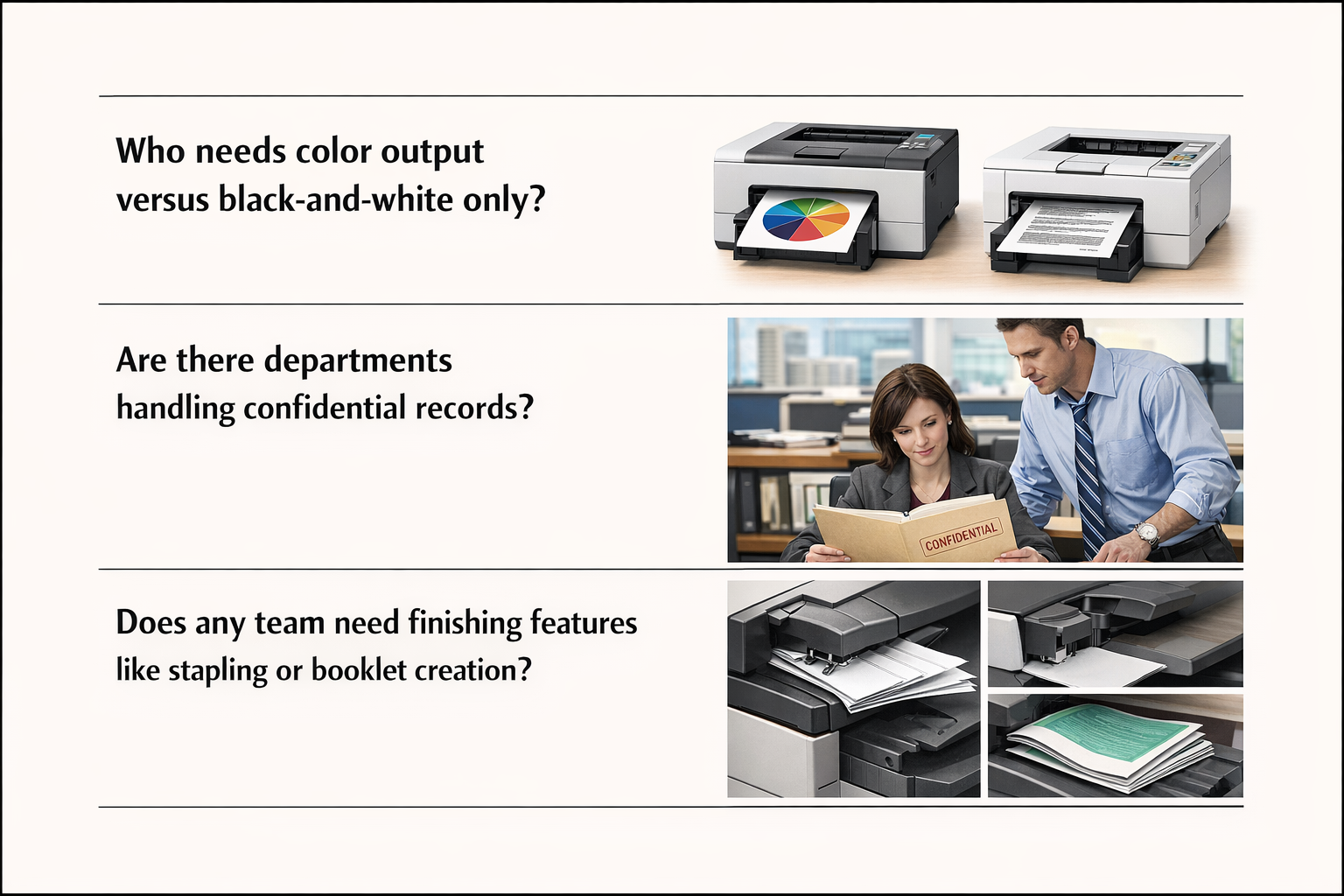
This type of review helps you match the right technology to the right users.
For example, an accounting department may benefit from a dependable multifunction system with strong security features and fast monochrome output. A marketing or client-facing team may need higher-quality color output. HR may need efficient scan-to-email or scan-to-folder capabilities for employee records and onboarding paperwork.
When you choose based on actual workflow instead of assumptions, the result is a print environment that feels more intentional and much more effective.
Key Features to Look for in a Multi-Department Office Print Setup
Not every office needs the most advanced device in every corner. What matters is choosing features that support the business well.
Here are some of the most valuable features to consider:
1. Multifunction Capabilities
A multifunction printer can print, copy, scan, and often fax from one device. For many departments, this creates better efficiency and saves space.
2. Print Speed and Monthly Volume Capacity
High-traffic departments need machines that can keep up. A device may look great on paper, but if the monthly print volume is too low for your busiest team, performance issues can follow.
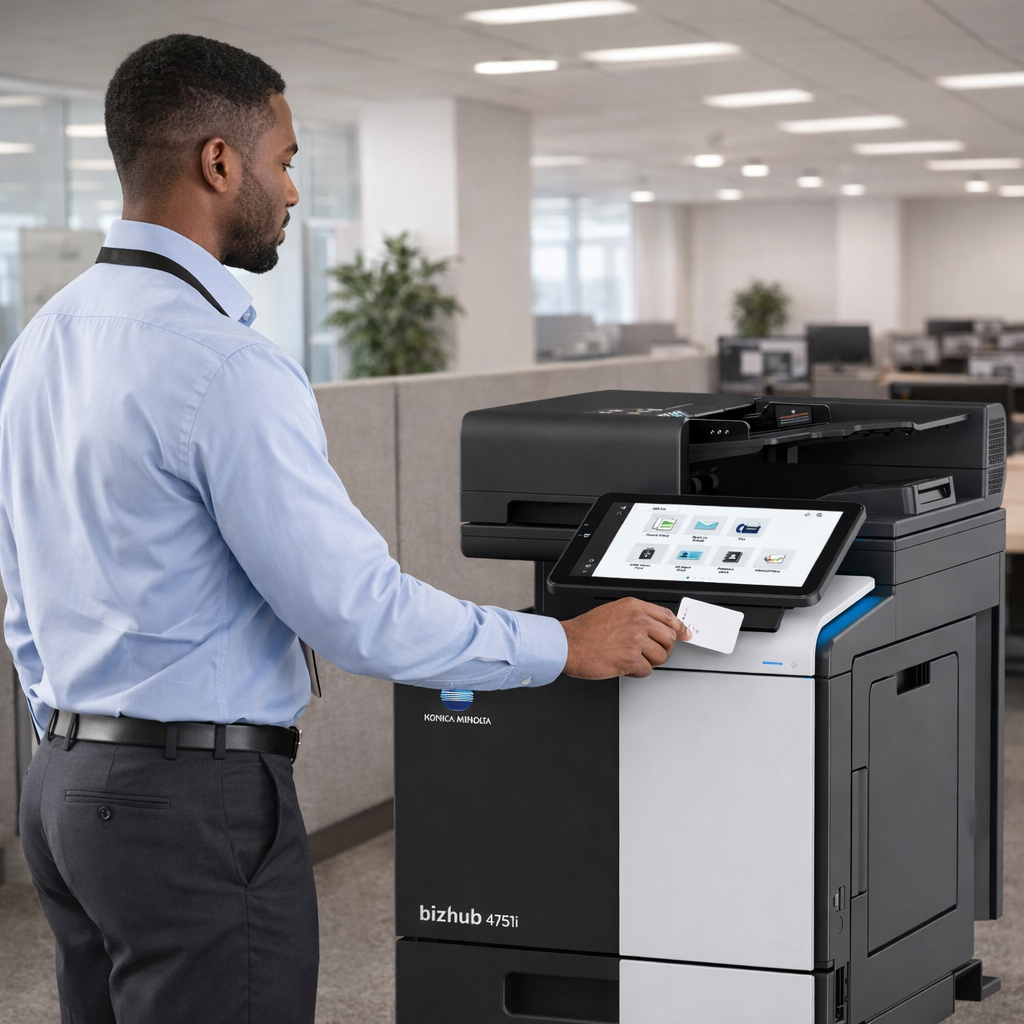
3. Security Features
Departments that work with financial records, employee files, legal documents, or customer information should not overlook print security.
- User authentication
- Secure print release
- Access controls
- Data encryption
- Audit capabilities
4. Scanning and Workflow Integration
For many offices, scanning is just as important as printing. Departments often need to send documents to email, cloud folders, shared drives, or internal systems.
5. Color vs. Black-and-White Output
Not every department needs color printing. Identifying where color is truly necessary can help control costs while still giving the right teams the tools they need.
Think About Placement as Much as Equipment
Even the best device can become frustrating if it is in the wrong location.
Good placement decisions can help reduce:
- Time spent walking back and forth to shared equipment
- Lines and delays during busy periods
- Congestion around one overused device
- Workflow interruptions for high-volume teams
Avoid the “Same Printer for Everyone” Approach
A better approach is to create a print fleet that is coordinated but flexible.
- A larger multifunction copier for a central shared area
- A secure device for HR or finance
- A color-capable system for presentations and client materials
- Smaller support devices only where truly needed
Consider Ongoing Service and Support
Reliable service, proactive maintenance, and supply management can make a major difference in how well an office print environment performs over time.
Signs It May Be Time to Upgrade Your Office Print Setup
- Departments regularly wait for access to one machine
- Print quality or speed no longer meets expectations
- Scanning is slow or difficult
- Teams are using workarounds to manage document flow
- Service calls are becoming more frequent
- Your office has grown, but your print setup has not
FAQ: Choosing the Right Print Setup for a Multi-Department Office
What is the best print setup for a multi-department office?
The best setup depends on your office size, department workflows, print volume, and security needs.
Should every department have its own printer?
Not necessarily. Some departments benefit from dedicated equipment, while others can work efficiently with shared devices.
How do I know if I need color printing in multiple departments?
Look at actual usage. Many offices only need color printing in a few key areas.
Why is print security important in an office environment?
Print security helps protect sensitive documents and supports better control over information.
Build a Print Environment That Works Better for Every Department
Choosing the right print setup for a multi-department office is an opportunity to improve workflow, support productivity, and create a more efficient workplace overall.
If your office is ready to improve its current setup, Document Solutions can help. Call us at (888) 880-3377 or fill out the form below to see how we can evaluate and optimize your print environment with our copiers and printers today!
- Categories: