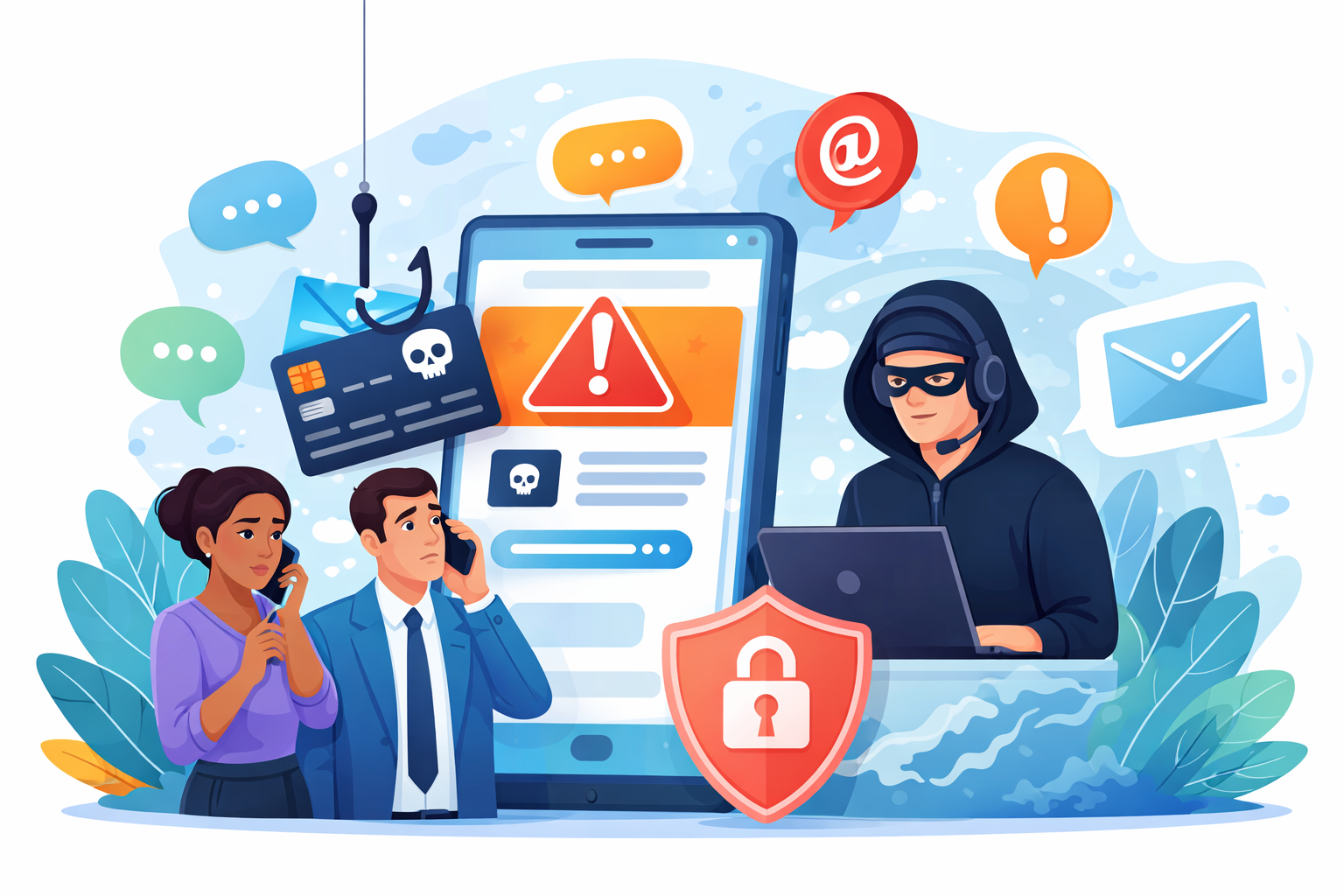
Cyber threats do not always begin with a suspicious email. Increasingly, they start with a text message or a phone call.
That is why businesses need to understand smishing and vishing.
Smishing is a form of phishing delivered through SMS or text messaging. Vishing is phishing carried out through voice calls or voicemails. In both cases, the goal is the same: to pressure someone into sharing sensitive information, clicking a malicious link, sending money, or giving an attacker access to business systems.
The good news is that these attacks can often be prevented. With the right awareness, smart processes, and stronger technology support, organizations can reduce risk and help employees respond with confidence.
At Document Solutions, we help businesses strengthen their defenses with Managed IT Services designed to support cybersecurity, productivity, and long-term stability.
Why Smishing and Vishing Are Growing Threats
Smishing and vishing work because they feel personal and urgent.
A text message may claim there is unusual account activity, a missed delivery, or a password issue that must be fixed immediately. A phone call may sound like it is coming from a bank, software provider, manager, or government agency. In some cases, attackers use spoofing tools to make messages and calls appear more legitimate.
These tactics are effective because people are busy. Employees are moving quickly, answering calls between meetings, and checking texts on the go. Attackers take advantage of that speed and distraction.
For businesses, the impact can be serious. A single rushed response can lead to:
- Stolen login credentials
- Financial fraud or wire transfer scams
- Malware infections
- Unauthorized access to company accounts
- Exposure of customer or employee information
This is why smishing and vishing are not just personal cybersecurity issues. They are business risks.
What Smishing Looks Like
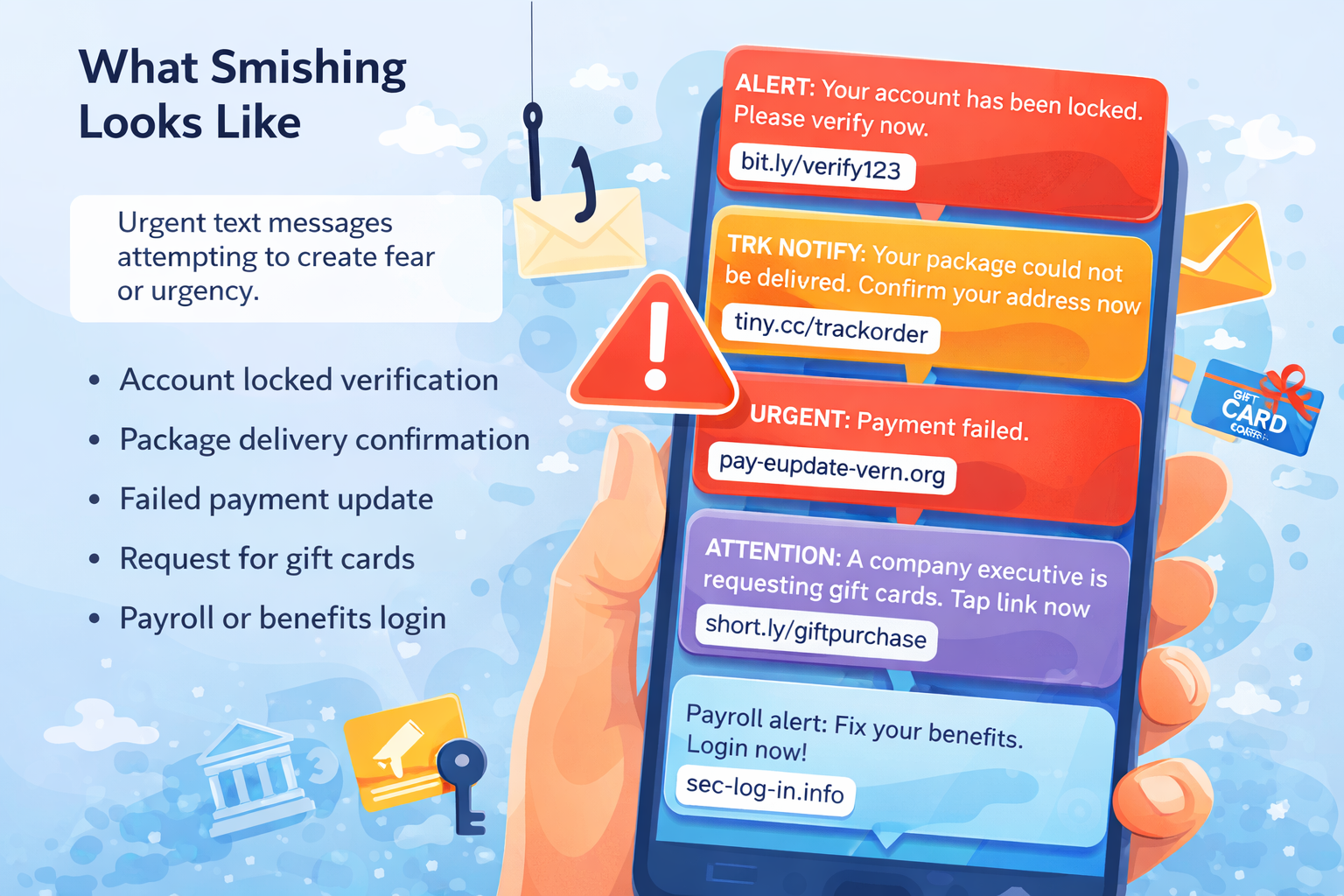
Smishing messages often try to create urgency or fear. They want the recipient to act before thinking carefully.
Common examples include texts that say:
- Your account has been locked and needs immediate verification
- A package cannot be delivered until you confirm information
- A payment failed and must be updated
- A company executive is asking for a quick purchase or gift card request
- A login link is needed to fix a payroll or benefits issue
Some messages include shortened links or strange URLs. Others may look polished and convincing. That is what makes awareness so important.
A legitimate organization usually will not ask for passwords, multifactor authentication codes, or sensitive financial details by text.
What Vishing Looks Like
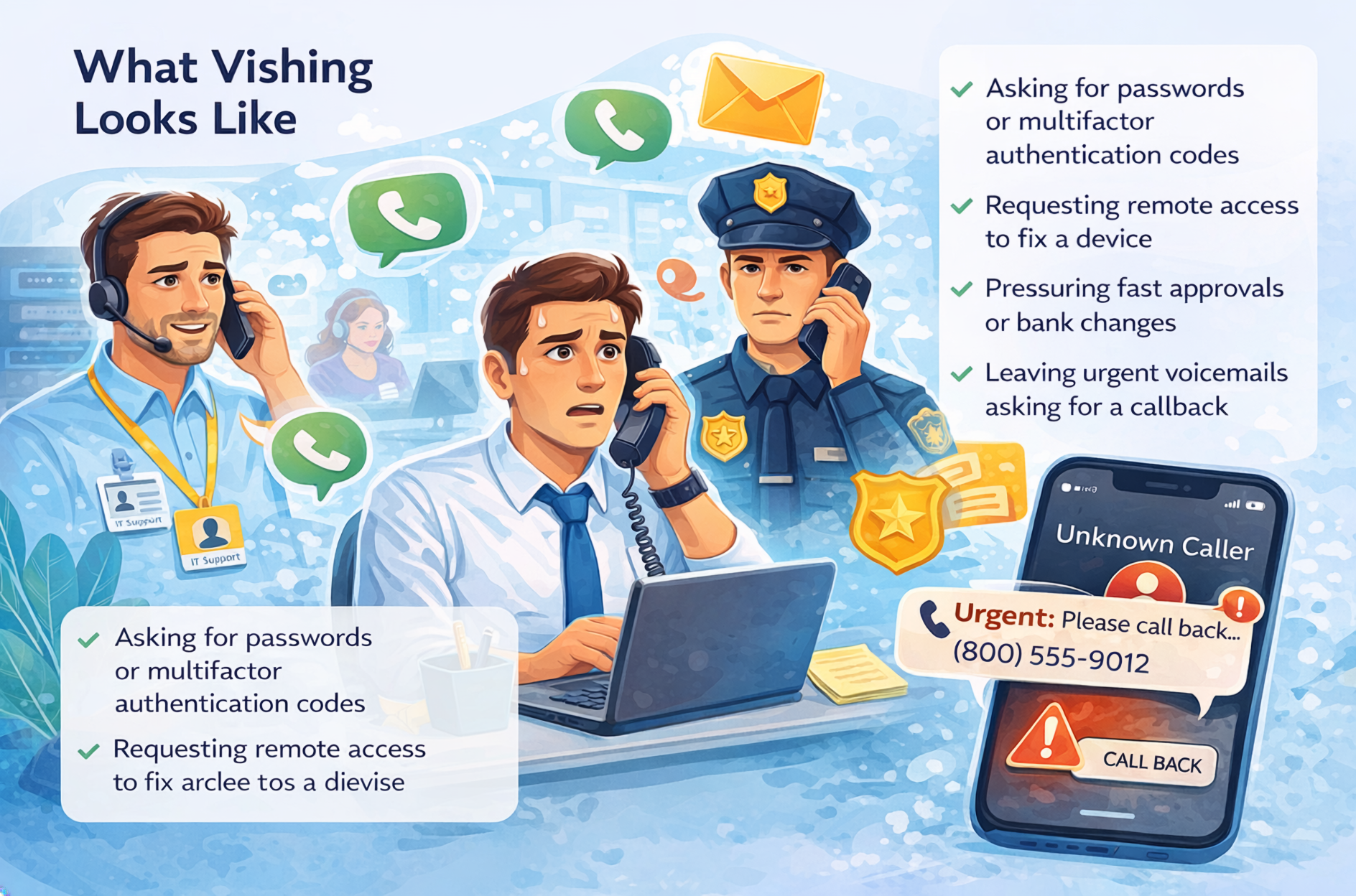
Vishing attacks use phone calls, voicemails, or callback numbers to create trust. The caller may pretend to be from IT support, a financial institution, a vendor, law enforcement, or even a member of your leadership team.
A vishing attempt may involve:
- A caller asking an employee to “verify” account credentials
- A fake support representative requesting remote access to a device
- A caller pressuring someone to approve a payment or change banking details
- A voicemail asking for an urgent callback about account security
- A scammer using a familiar company name or spoofed number to sound credible
The attacker’s real advantage is not technology. It is pressure. They want employees to feel rushed, intimidated, or eager to help.
How Employees Can Stay Safe
The strongest first line of defense is a team that knows what to watch for.
Here are a few practical ways employees can protect themselves from smishing and vishing:
1. Slow Down Before Responding to Texts and Calls
Urgency is a classic tactic. If a text or call demands immediate action, pause first. A few extra seconds can prevent a costly mistake. Take the time to detect whether a threat is present.
2. Never Share Passwords or MFA Codes
Legitimate organizations do not typically ask for passwords or multifactor authentication codes by phone or text. Treat those requests as major red flags.
3. Do Not Click Suspicious Links
If a text includes a link to log in, verify information, or make a payment, do not click it right away. Go directly to the official website instead.
4. Verify Requests Through a Trusted Channel
If a caller claims to be from your bank, vendor, or company leadership, verify the request independently. Use the phone number on the official website or contact the person through a known company channel.
5. Be Cautious With Caller ID
Caller ID can be spoofed. A familiar name or number on the screen does not guarantee the call is legitimate.
6. Report Suspicious Activity Quickly
Employees should know exactly where to report suspicious texts, calls, and voicemails. Fast reporting helps IT teams contain threats and warn others.
How Businesses Can Reduce Risk
Employee awareness matters, but businesses are safer when awareness is backed by process and technology.
A stronger business approach includes:
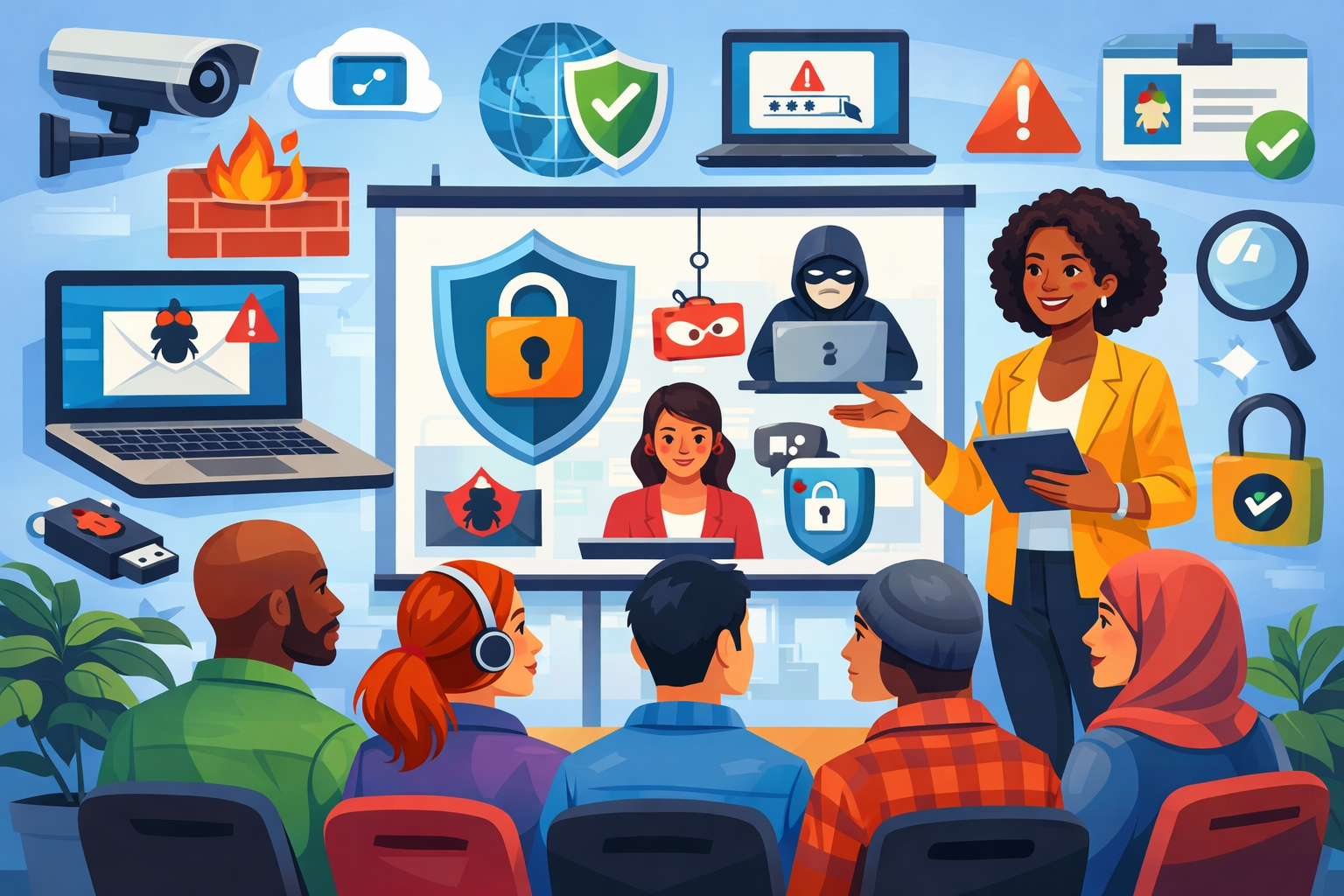
- Security training: Employees should be trained to recognize social engineering tactics, including text and phone-based scams
- Clear verification procedures: Staff should have a standard process for validating payment requests, password resets, and account changes
- Multifactor authentication: MFA adds an important layer of protection, even if a password is exposed
- Mobile device security: Company devices should be monitored, updated, and protected with strong policies
- Incident reporting workflows: Employees should know who to notify and what steps to take if something seems suspicious
- Managed IT support: Ongoing IT oversight can help businesses improve security controls, user readiness, and response capabilities
This is one reason many organizations turn to professional IT support services. Security is stronger when businesses have proactive guidance, monitoring, and support in place.
Why a Positive Security Culture Matters
Cybersecurity works best when employees feel informed, not intimidated.
The goal is not to make people fearful of every call or text. The goal is to help them feel prepared. When employees know the warning signs and understand the company’s response process, they are far more likely to make smart decisions under pressure.
That kind of culture builds confidence across the organization.
It also supports productivity. People do better work when expectations are clear, procedures are simple, and support is easy to access. A positive cybersecurity culture helps businesses stay secure without slowing everything down.
FAQ: Smishing and Vishing Safety
What is the difference between smishing and phishing?
Phishing is the broader term for scams that try to steal information or gain access through deception. Smishing is phishing done through text messages. Vishing is phishing done through phone calls or voice messages.
Can a business really be harmed by one text message or phone call?
Yes. If an employee clicks a malicious link, shares credentials, approves a fraudulent payment, or gives an attacker access to a device, the consequences can be significant.
Are calls from known numbers always safe?
No. Attackers can spoof phone numbers to make calls appear legitimate. That is why independent verification is so important.
What should an employee do after receiving a suspicious text or call?
They should avoid clicking links, avoid sharing information, and report the incident to the appropriate internal contact or IT provider right away.
How can Managed IT Services help with smishing and vishing risks?
Managed IT Services can help businesses improve cybersecurity training, strengthen access controls, support device security, guide incident response, and build a more proactive security strategy overall.
Stay Ready, Stay Confident, Stay Protected
Smishing and vishing are serious threats, but they are also manageable ones. With the right habits, better verification processes, and reliable IT support, businesses can reduce risk and respond with confidence.
If your company is looking for a smarter way to support cybersecurity, Document Solutions is ready to help. Call (888) 880-3377 or contact Document Solutions in the form below to learn how our Managed IT Services can help you keep your data safe.
- Categories: