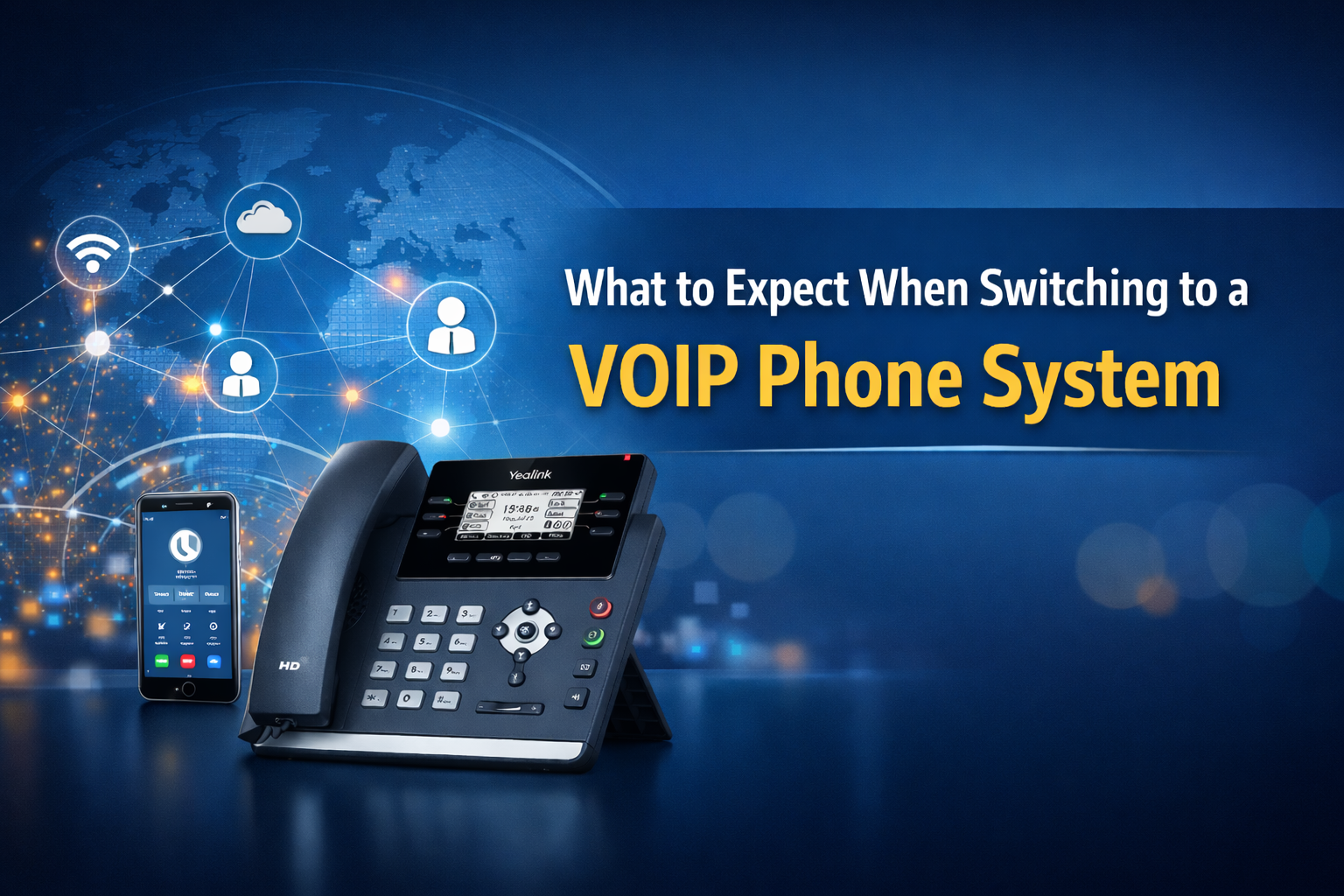
Switching to a VOIP phone system can make day-to-day communication feel simpler. Calls route more intelligently, teams stay reachable from the office or remotely, and many common changes can be handled quickly without the old back and forth.
The biggest question is usually not whether VOIP is a good idea. It is what the transition will look like and how to keep it smooth. Below is a clear, positive breakdown of what most businesses can expect when moving from a traditional phone setup to VOIP.
Explore Document Solutions’ managed voice options.
What VOIP Is in Plain English
VOIP (Voice over Internet Protocol) routes calls over your internet connection instead of traditional phone lines.
That shift typically gives businesses more flexibility, including the ability to:
- Use desk phones, mobile apps, or desktop softphones
- Route calls by department, schedule, or availability
- Support hybrid teams while keeping a consistent business number
- Add users and locations more easily as you grow
What Needs to Be Ready Before You Switch
1) Internet and network readiness
VOIP relies on a stable internet connection and a business grade network. You generally want:
- Enough bandwidth for your typical call volume
- A reliable router and switching equipment
- The ability to prioritize voice traffic (often called QoS)
- Strong Wi Fi coverage if employees will use calling apps

2) Phone numbers and porting
Most organizations keep their existing main number and direct lines by porting them from the current carrier to the new provider. Porting is common, but it can drive the timeline, so it should be planned early.
3) Devices and user experience
Many businesses use a mix of:
- Desk phones for reception and high call volume roles
- Headsets for sales and service teams
- Mobile and desktop apps for hybrid work
4) Emergency calling setup
VOIP systems often support Enhanced 911 capabilities, but emergency calling must be configured correctly. If you have multiple locations or remote employees, include a simple process for keeping location details accurate.
The Typical VOIP Switching Timeline
Phase 1: Call flow planning
This is where you decide how calls should move through your business. Common planning items include:
- Main greeting and menu options
- Department ring groups and extensions
- After hours rules and voicemail routing
- Call queues for high volume teams
- Holiday schedules
If you are focused on keeping a single, consistent phone identity across teams, this resource can help you think through the strategy.
Phase 2: Configuration and network prep
Your provider sets up users, permissions, call routing rules, and any needed network settings so voice traffic is handled cleanly.
Phase 3: Devices and training
Phones and apps are provisioned, and users learn the basics. Training usually goes best when it is role based, such as reception and transfers, sales call handling, service queues, and manager tools.
Phase 4: Number porting and cutover
Once everything is tested, your numbers port and VOIP becomes live. Many businesses pick a cutover time with lower call volume and clear internal coverage.
Phase 5: Post-launch optimization
After go live, small adjustments often deliver big improvements, like refining ring group timing, updating prompts, and aligning routing rules with real call patterns.
What Your Team Will Notice After the Switch
Faster routing and fewer missed calls
With ring groups, schedules, and rules, callers reach the right place more often without bouncing between extensions.
Stronger flexibility for hybrid work
Employees can answer from the office, a laptop, or a mobile app while presenting the same business identity to customers.
Easier day to day management
Common changes, like updating a greeting or adding a user, are typically simpler than with a traditional phone system.
Helpful visibility
Many VOIP platforms include call logs and basic reporting that help you understand volume, missed calls, and peak times.
Common Questions and How Businesses Handle Them
Will call quality be good?
Call quality is usually excellent when the network is ready and voice traffic is prioritized. A readiness check and proper configuration support consistent results.
Can we keep our current phones?
Sometimes. It depends on whether your existing phone models are compatible with the VOIP system you choose. Some businesses also refresh hardware to standardize the experience.
What about faxing or analog devices?
If you use fax, door systems, paging, or other analog devices, identify them early. Depending on the workflow, they can often be supported with adapters, dedicated lines, or modern alternatives such as electronic faxing.
VOIP Switch Checklist
- Inventory all numbers, extensions, and current call routing
- Map business hours, after hours, and holiday call handling
- List departments that need ring groups or call queues
- Identify any analog or special devices (fax, paging, door systems)
- Review internet and network readiness, including QoS capability
- Choose devices by role (desk phone, headset, mobile app, desktop app)
- Plan training by department
- Schedule porting and cutover around lower call volume windows
- Set a simple continuity plan for rare internet outages
FAQ: Switching to a VOIP Phone System
How long does it take to switch?
Timelines vary, but number porting and call flow complexity are usually the biggest factors. Planning routing early and inventorying your numbers helps keep the project moving.
Will customers still dial the same number?
In most cases, yes. Your existing business numbers can typically be ported, so customers keep calling the same main line and direct extensions.
Can remote staff use the same system?
Yes. VOIP commonly supports desktop and mobile apps so remote and hybrid employees can place and receive calls as if they were in the office.

Strong Next Step: Plan a VOIP Transition That Fits Your Team
VOIP is a practical way to modernize business communication while supporting growth and flexibility. With the right planning, the switch can feel straightforward.
If you are ready to evaluate VOIP, Document Solutions can help you map call flows, confirm readiness, and implement a managed voice solution that fits your organization. Learn more by calling (888) 880-3377 or filling out the form below.
- Categories: